





Best MyFitnessPal Alternatives for Food and Body Progress
MyFitnessPal can show what you logged, how many calories remain, and whether you reached your macro targets. It may feel incomplete when your main question is whether your body is losing fat, maintaining lean mass, or changing despite a flat scale.
You may also want faster meal logging, editable photo estimates, better serving controls, fasting support, or progress information that goes beyond body weight.
This article compares the leading MyFitnessPal alternatives and explains what each one does best. It also shows why SlimAI Calorie Tracker may be a stronger fit when you want to connect food, macros, activity, and daily habits with estimated body-composition changes.
What Are MyFitnessPal Alternatives?
MyFitnessPal alternatives are calorie, nutrition, and fitness trackers that offer different ways to record food, manage calorie goals, review macros, connect activity, or follow progress.
A good alternative does not need to copy MyFitnessPal. It should solve the part of tracking that creates the most friction or leaves the largest information gap.
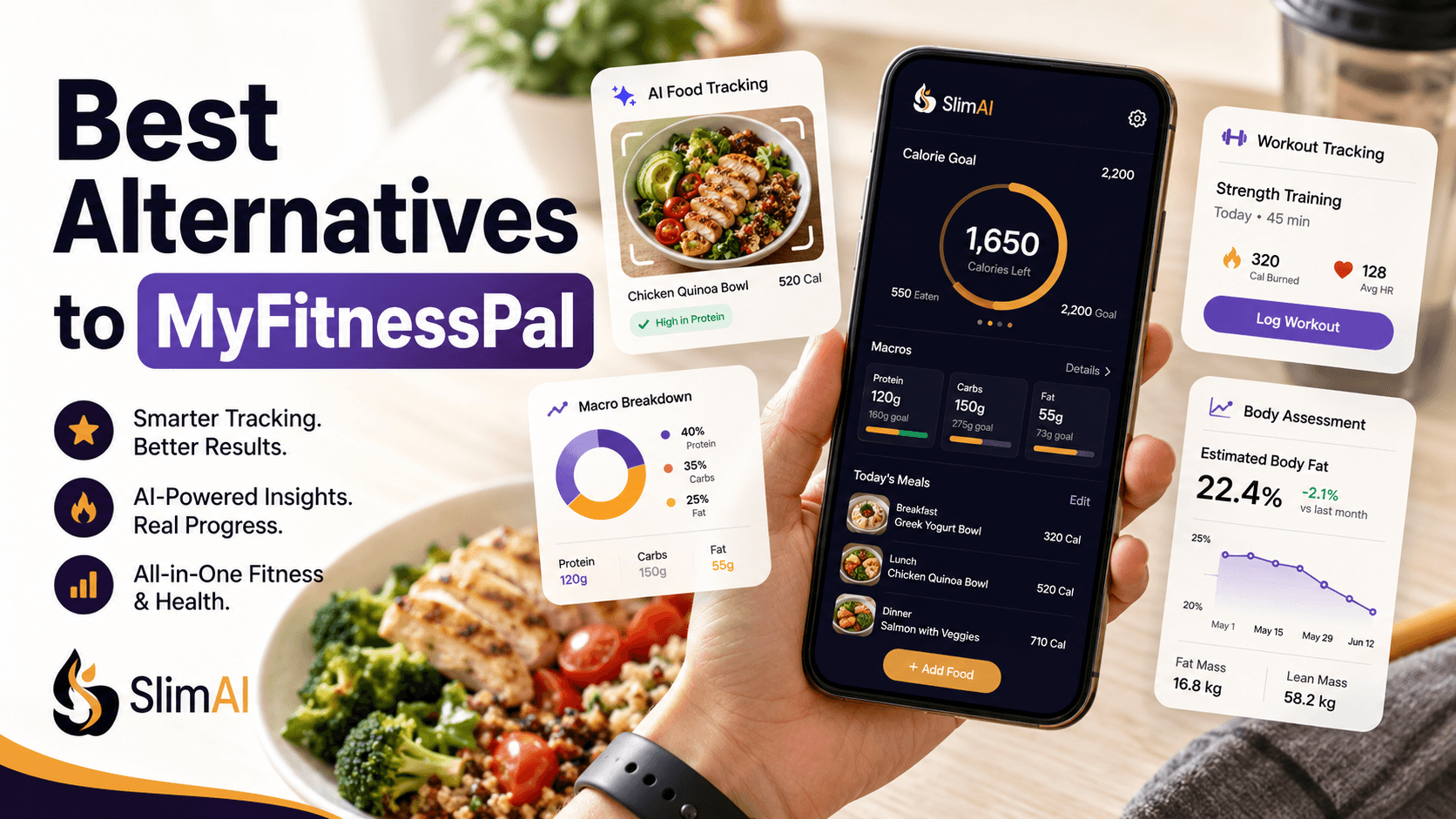
That may mean quicker food scanning, deeper nutrient reports, fasting support, better portion controls, or body-composition progress. SlimAI differs from a traditional food diary by connecting meal tracking with its Body Fat Calculator and Body Assessment.
What Are Good MyFitnessPal Alternatives in 2026?
SlimAI, Cronometer, Yazio, and Cal AI are good MyFitnessPal alternatives, but each serves a different user need.
Tracker | Best suited to | Food-tracking focus | How it tracks progress | Access consideration |
SlimAI | Connecting food choices with body-composition progress | Camera Scan, Gallery Upload, Voice to Log, Type to Add, Food Database Search, Ingredient Editing, and Serving Size Guidance | Calories, macros, weight, activity, estimated body fat, fat mass, lean mass, regional distribution, Body Fat Trend, and scan comparisons | Body Assessment and selected AI features require SlimAI Premium |
Cronometer | Detailed macro and micronutrient analysis | Nutrition database, recipes, custom foods, and AI Photo-Logging | Weight, nutrients, biometrics, charts, and reports | AI Photo-Logging and advanced reports require Gold |
Yazio | Fasting and structured meal planning | Food diary, meal photos, recipes, fasting, water, and activity | Calories, macros, fasting, activity, and weight | AI food recognition requires Yazio Pro |
Cal AI | A focused photo-first food-logging routine | Meal photographs, barcode options, nutrition labels, and editable food details | Calories, macros, weight, activity, and Apple Watch information | Food-scanning analysis requires a subscription |
SlimAI: Best for Food Tracking and Body-Composition Progress
SlimAI is the strongest fit when your goal involves more than reaching a daily calorie number.
You can record meals through Photo Calorie Tracker (Camera Scan), Gallery Upload, Voice Calorie Tracker (Voice to Log), Type to Add, and Food Database Search. Ingredient Editing and Serving Size Guidance then help you correct foods and portions.
For example, you can change a serving from one plate to 0.5 or 0.25 portions and review the updated calorie information. Macro Tracker shows protein, carbohydrates, and fats so you can understand the meal beyond its calorie total.
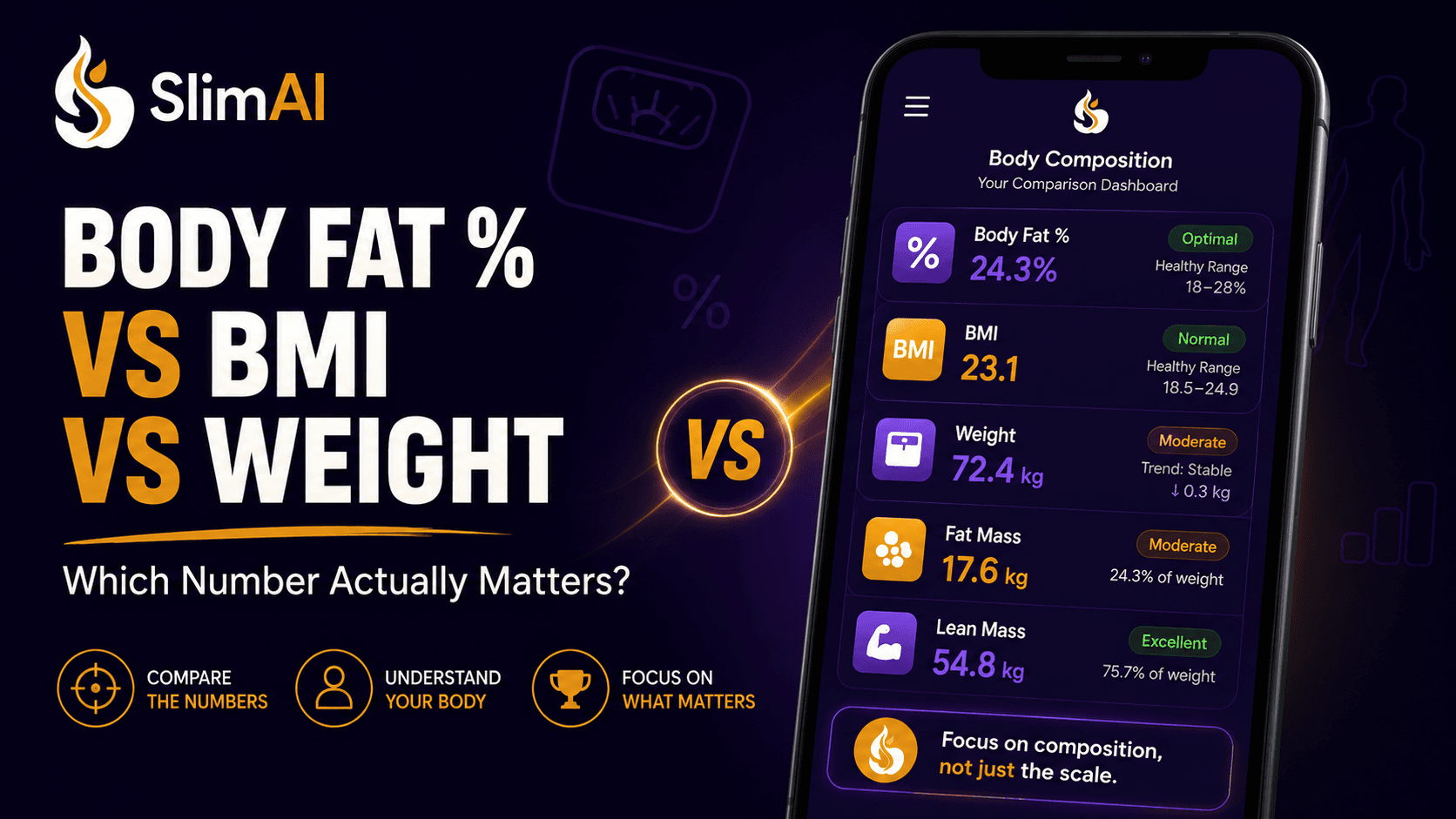
What separates SlimAI within this comparison is what happens after food logging. Body Assessment estimates body fat percentage, fat mass, lean mass, and regional fat distribution. These results can provide context when scale weight does not explain your physical progress.
Cronometer: Best for Detailed Nutrient Information
Cronometer is a strong MyFitnessPal alternative when detailed nutrition data matters most.
Its Basic account provides nutrition data, custom foods and recipes, selected activity integrations, limited analysis, and data export. Cronometer Gold adds advanced charts, fasting, Nutrition Scores, and additional reporting features.
Cronometer’s AI Photo-Logging can recognize food from a new or uploaded image. Users can adjust amounts, serving sizes, food matches, and missing ingredients before saving. The feature currently requires Gold.
Cronometer may suit you when vitamins, minerals, and detailed nutrient reports matter more than a connected body-photo assessment.
Yazio: Best for Fasting and Meal Planning
Yazio is a practical alternative for people who want calorie tracking combined with fasting, meal planning, recipes, water, activity, and weight records.
Its diary shows consumed, remaining, and burned calories alongside macronutrients, water, activities, and body weight.
Yazio’s AI food-recognition feature analyzes a meal photo and provides an initial estimate of ingredients, portions, calories, and macros. Users can review and adjust the entry, but AI food recognition currently requires Yazio Pro.
Yazio may fit you when fasting schedules and structured meal ideas matter more than detailed body-composition feedback.
Cal AI: Best for a Photo-First Routine
Cal AI focuses on taking a meal photograph and receiving calorie and macro information with less manual entry.
Its App Store listing describes lifestyle-based setup, food photographs, nutritional breakdowns, barcode and nutrition-label options, and adjustable food information. The listing identifies food-scanning analysis as a subscription feature.
Cal AI may suit users who mainly want a camera-first logging flow. SlimAI offers a broader fit when you also want to connect meals with estimated body fat, lean mass, and repeatable progress comparisons.
What Should You Check When Comparing Calorie Trackers?
A Large Food Database Does Not Solve Every Logging Problem
A large database helps with packaged foods and standard meals. It may be less useful when you eat homemade dishes, restaurant meals, sauces, mixed plates, or regional foods.
A better comparison examines what happens after the food appears. Can you correct an ingredient, change the portion, reuse the meal, and understand its calories and macros without rebuilding the entry?
A Meal Photograph Produces an Estimate
Photo logging can reduce typing and database searching, but a phone camera cannot see every ingredient or cooking method.
Food recognition, image segmentation, portion estimation, and nutrient calculation are separate technical stages. Research continues to identify food volume and portion estimation as important challenges in image-based dietary assessment.
AI calorie estimates can vary because of portion size, ingredients, sauces, cooking methods, and serving size. SlimAI reduces this friction with Ingredient Editing and Serving Size Guidance, helping users adjust entries closer to what they actually ate.
The most useful AI food tracker lets you review the result rather than treating the first number as final.
Weight Loss and Fat Loss Are Not Identical
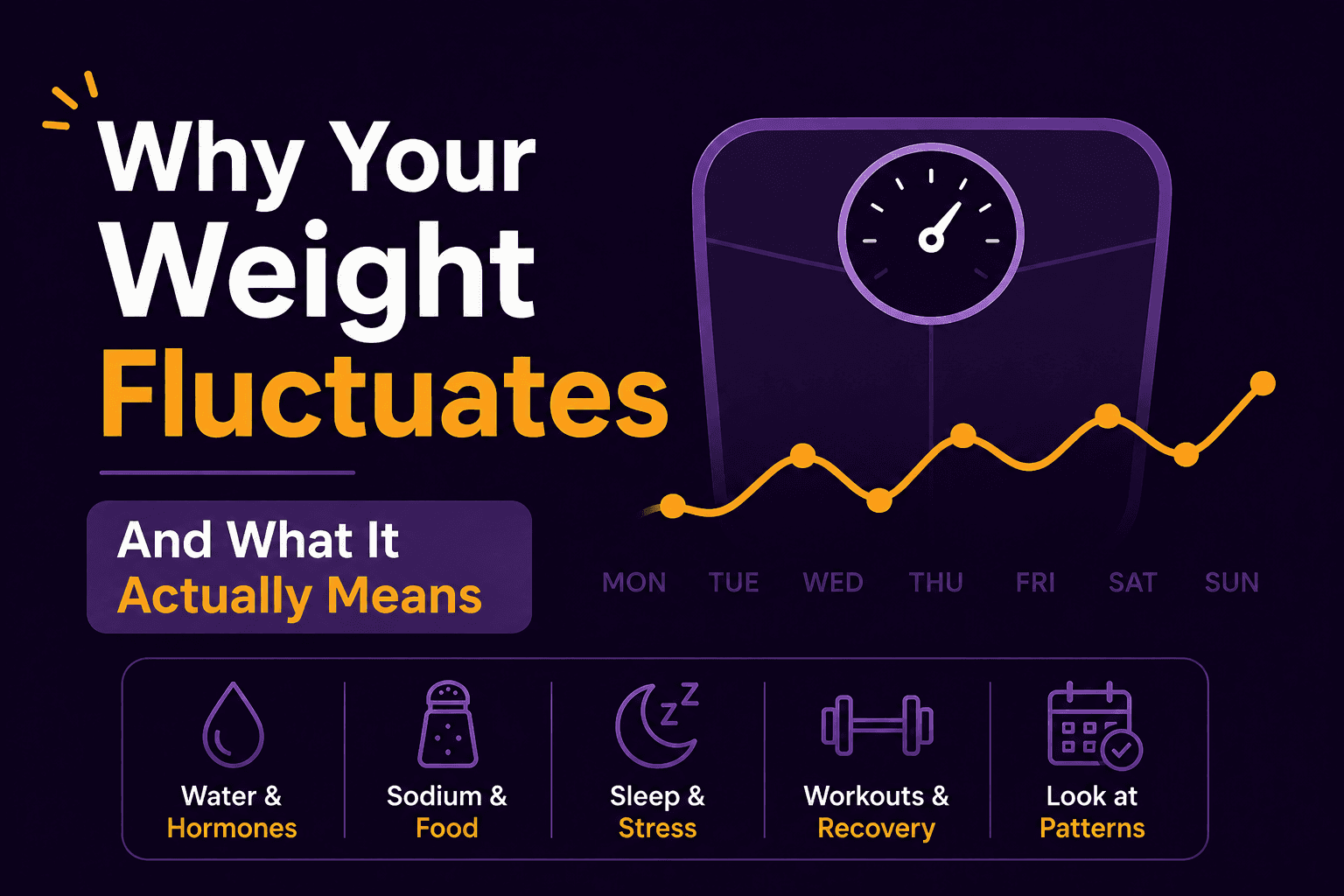
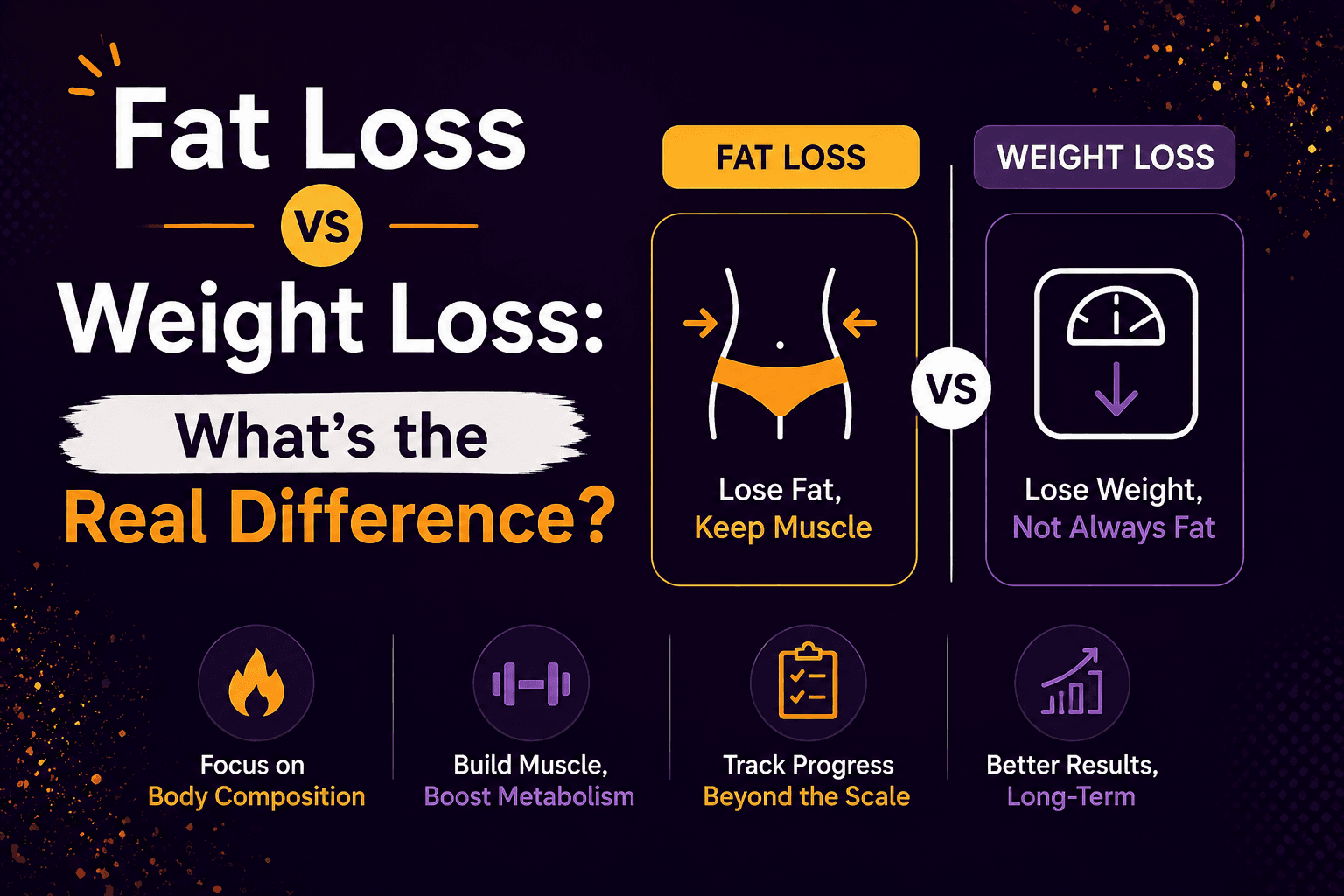
Scale weight includes fat, muscle, water, stored carbohydrate, bone, organs, and digestive contents. A lower number cannot show which part changed.
The opposite can also happen. You may lose fat while maintaining or increasing lean mass, leaving total scale weight almost unchanged.
BMI cannot solve this gap because it does not distinguish between fat, muscle, and bone mass or show where fat is located. The CDC describes BMI as a screening measure rather than a direct body-composition measurement.
Free Installation Does Not Mean Every Feature Is Free
Many trackers provide a free core diary while charging for AI scans, voice entry, barcode access, advanced nutrition reports, or body-composition features.
MyFitnessPal’s free version includes basic food and exercise logging, progress records, recipes, and percentage-based calorie and macro goals. Its Premium features include Meal Scan, Voice Logging, and Barcode Scanner.
Compare the specific function you expect to use rather than relying only on the download price.
What Should a Calorie Tracker Help You Understand?
A useful calorie tracker should answer three connected questions:
What did you eat?
How did it fit your calorie, macro, and activity targets?
How is your body changing over time?
Most trackers handle the first question. Many also connect calories with protein, carbohydrates, fats, exercise, and weight.
The third question requires more context. Scale weight tells you your total mass but cannot explain whether a change came from fat, muscle, water, or another component.
Body composition adds another layer. It can help you compare estimated body fat, fat mass, and lean mass rather than judging progress through total weight alone. Smartphone-camera research also shows that two-dimensional photographs can be used to estimate body composition, although results remain estimates and depend on the method used.
The strongest tracker is therefore not always the one with the longest feature list. It is the one that creates a feedback loop you can understand and realistically maintain.
How Does SlimAI Connect Food With Body Change?
Most calorie trackers stop after showing what you consumed and what you weigh. SlimAI Body Assessment adds a body-composition step to the same tracking routine.
The guided assessment uses two smartphone photos: one from the front and one from the left side. Voice guidance and automatic capture check your pose, framing, phone angle, lighting, and background before taking each image.
AI reads six tape-style measurements from the photos:
neck;
chest;
upper arm;
abdomen;
hips;
thigh.
The AI does not independently invent your body-fat percentage. Published, validated formulas calculate the final estimate using those measurements and your profile information. SlimAI uses methods including the US Navy circumference method, Relative Fat Mass, and CUN-BAE within its calculation process.
Your results include estimated body fat percentage with a likely range, fat mass, lean mass, personal ideal ranges, and a High, Moderate, or Low confidence rating. You can also review estimated fat distribution across the neck, chest, upper arms, abdomen, hips and waist, thighs, and the rest of the body.
Every result remains an estimate with approximately ±3–4 percentage-point uncertainty. SlimAI lowers the confidence rating when clothing, framing, lighting, or pose may reduce reliability rather than presenting false precision.
You can also enter the six tape measurements manually when you prefer not to use photos. This no-photo option produces the same type of results screen without taking or uploading an image.
Scan History saves previous assessments, Body Fat Trend shows estimated change over time, and Compare mode lets you place two scans side by side. You can compare front and side photos, estimated body-fat change, and the number of days between assessments.
SlimAI connects these results with meal logging, Macro Tracker, Custom Calorie Goals, Workout Tracking, Water Tracking, Fasting Tracking, Step Counter Tracking, weight updates, and supported health integrations. This creates a routine where you can Eat smarter, not stricter. Your food records show your daily choices, while Body Assessment helps you review what may be changing beyond the scale.
Body Assessment is available to adults aged 18 and older through SlimAI Premium.
Explore SlimAI Calorie Tracker.
Why Is SlimAI a Better Fit Than MyFitnessPal?
SlimAI may be a better fit when your main goal is understanding how food, activity, and habits connect with body-composition progress.
SlimAI Goes Beyond a Weight Graph
MyFitnessPal supports food, calories, macros, exercise, weight, and personalized progress summaries. Its June 2026 Progress Overview organizes food, activity, progress, and other logged information into a personalized view.
SlimAI adds Body Assessment to this type of tracking routine. You can review estimated body fat, fat mass, lean mass, regional fat distribution, Body Fat Trend, and side-by-side assessment comparisons.
This may be more useful when your scale remains flat or changes without explaining what happened to fat and lean tissue.
SlimAI Connects Meals With Body Composition
Food logging and body-composition tracking work as parts of one connected feedback loop.
You can record a meal, review calories and macros, track activity, and later compare those habits with changes in estimated body fat and lean mass. The goal is not to claim that one meal directly caused one body change. It is to help you review longer-term patterns with more context.
SlimAI Gives You Control Over AI Meal Entries
Photo Calorie Tracker (Camera Scan) creates a starting food entry, but you remain able to review what SlimAI identified.
Ingredient Editing lets you add, remove, or correct foods. Serving Size Guidance lets you adjust portions and see the calorie information change. This can be particularly useful for homemade meals, sauces, regional dishes, and mixed plates.
SlimAI Supports Photo and No-Photo Body Assessment
The guided photo method uses voice coaching and automatic capture to support more consistent positioning.
Privacy-conscious users can choose the manual mode instead. You enter six tape measurements, and no body photo is taken or uploaded.
For photo assessments, SlimAI requires explicit consent. Photos are stored privately, encrypted in transit, stripped of location and camera metadata, and permanently removed when you delete the scan or your account.
SlimAI Helps You Compare Change Over Time
One body-fat estimate has limited value on its own. A repeated trend can provide more useful context.
Scan History, Body Fat Trend, and Compare mode help you review changes over weeks or months. You can compare two assessments, their estimated body-fat difference, the photos, and the time between them.
SlimAI is therefore a stronger fit when you want to connect what you eat with how your body changes rather than ending the tracking process with a food diary and scale entry.