





Best 2026 Apps to Scan Food and Track Calories: AI Calorie Counter Guide
Finding a food-scanning calorie counter becomes confusing when every product promises fast meal recognition. The difference appears when you scan a bowl of curry, rice, sauce, and side dishes rather than one packaged snack.
A useful tracker must do more than produce a polished calorie number. You need to review the foods, change the serving, see protein and macros, and connect the meal with your daily goal.
This guide compares SlimAI, MyFitnessPal, Cal AI, Yazio, and Cronometer so you can choose based on your real logging habits.
What Is a Food-Scanning Calorie Counter?
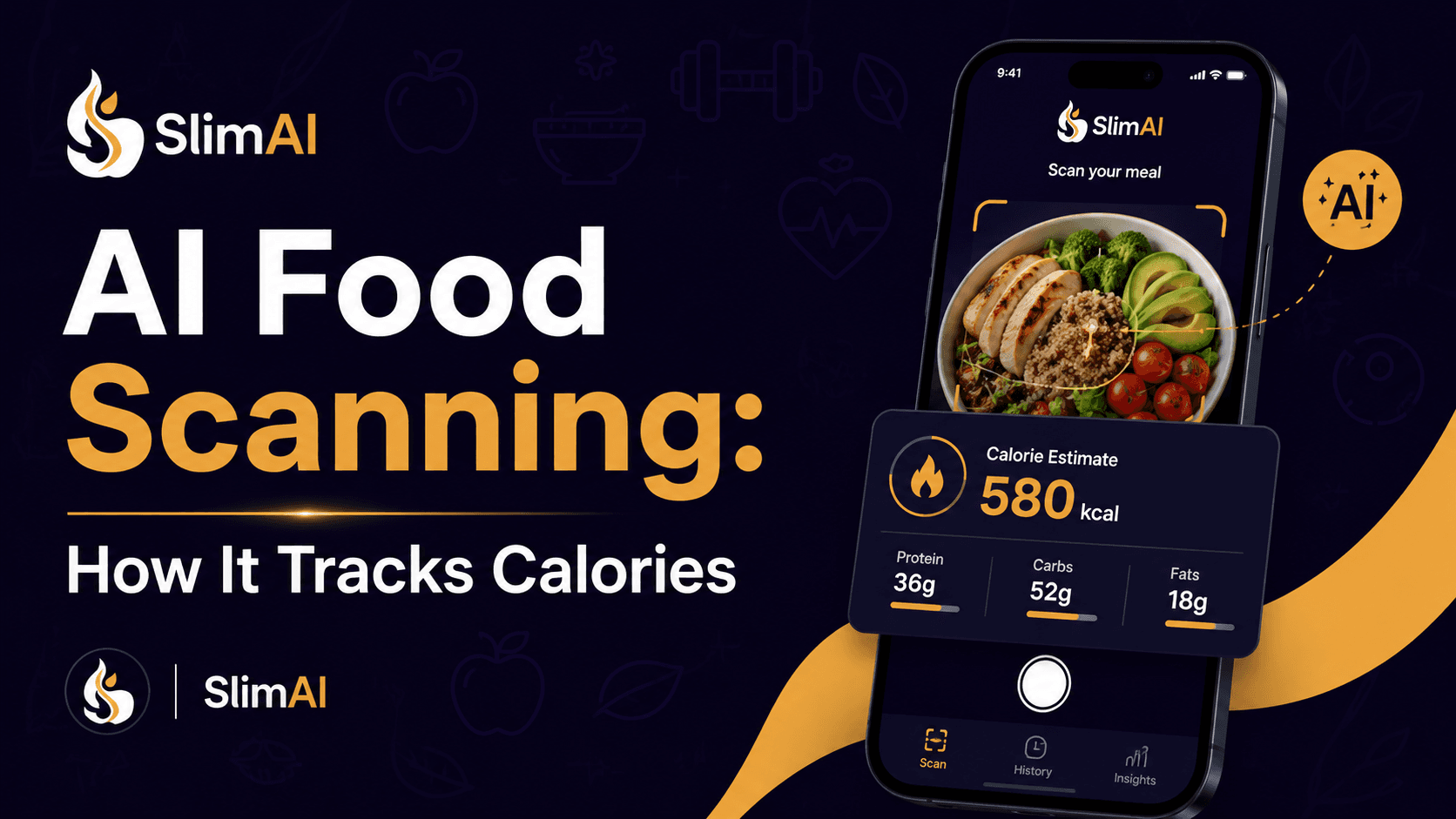
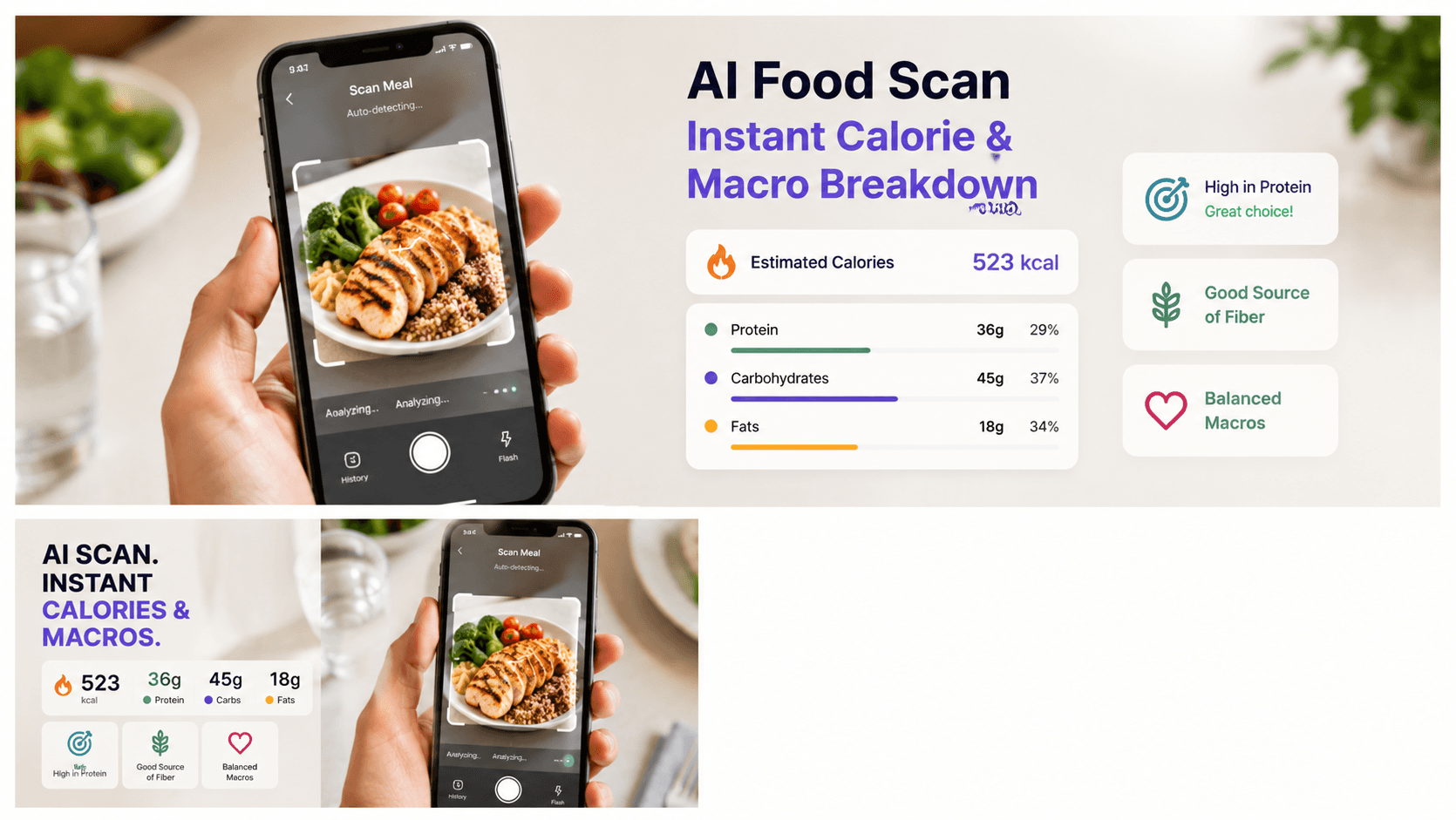
An app to scan food and track—calorie counter information uses image recognition to identify visible foods and create an estimated calorie and nutrient entry. The process may include food classification, portion estimation, and nutrition-database matching.
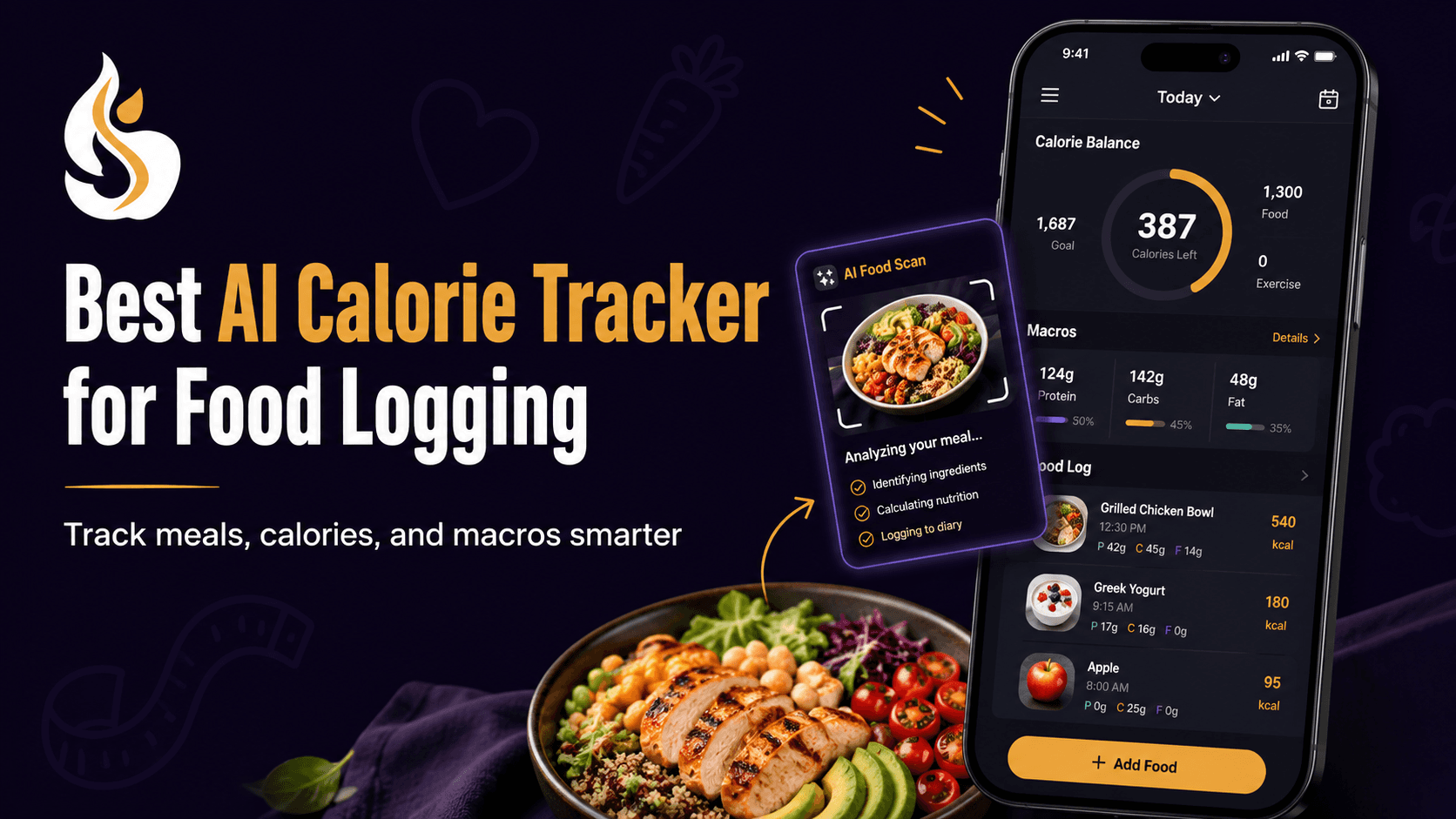
SlimAI Calorie Tracker connects Photo Calorie Tracker (Camera Scan) with Ingredient Editing, Serving Size Guidance, and Macro Tracker, allowing you to review the result instead of treating the first estimate as final. SlimAI also supports several food-entry methods and personalized calorie goals.
Why Is Choosing the Right Food Scanner Difficult?
Food-scanning products often appear similar on their download pages. Most show a meal photograph followed by calories, protein, carbohydrates, and fat. That display does not reveal how much control you receive after the scan.
A camera can see rice and chicken. It may not know how much oil was used, whether the sauce contains cream, or how much of the photographed serving you finished.
Research on image-based dietary assessment divides the process into several technical stages, including food segmentation, recognition, and volume estimation. Errors at one stage can change the final nutrition estimate.
The right tracker should therefore reduce effort without hiding uncertainty. Look for ingredient correction, portion adjustment, alternative logging methods, and clear daily progress.
Dietary self-monitoring may support awareness and weight-management efforts, but adherence often falls when tracking feels too demanding. Technology can reduce part of that burden, although it should support your decisions rather than make them for you.
What Do People Get Wrong About Calorie-Scanning Apps?
A Food Photo Does Not Contain the Full Recipe
A photograph provides visible information. It cannot confirm every ingredient or cooking amount.
Two bowls of pasta may look alike while containing different amounts of oil, cheese, cream, or sauce. A scanner may identify pasta correctly and still need your input before the calorie entry reflects the meal.
AI calorie estimates can vary because of portion size, ingredients, sauces, cooking methods, and serving size. SlimAI reduces this friction with Ingredient Editing and Serving Size Guidance, helping users adjust entries closer to what they actually ate.
Food Recognition Is Not the Same as Portion Measurement
Identifying a food and measuring its amount are separate tasks. A tracker may recognize rice but still need to estimate whether you ate half a cup, one cup, or more.
Systematic reviews describe volume and portion estimation as continuing challenges in image-based dietary assessment. Camera angle, food shape, overlapping ingredients, and missing reference objects can influence the result.
“Free” Does Not Always Include Photo Scanning
A free download may include manual food logging while placing AI scanning behind a subscription.
MyFitnessPal lists Meal Scan among its paid features. Yazio states that AI food tracking is part of Yazio Pro, while Cronometer limits AI Photo-Logging to Gold users. Cronometer still provides free manual food, calorie, macro, micronutrient, and barcode tracking.
Check the feature you need, not only the download button.
Exercise Calories Are Also Estimates
Connecting food and activity in one dashboard can improve context, but exercise-calorie figures should not be treated as exact.
Wearables and mobile activity trackers can help you monitor changes in movement. Research reviews advise against relying heavily on device-calculated energy expenditure because validity varies between devices and activities.
Use exercise data as a progress signal rather than permission to match every estimated calorie burned with more food.
Which App Is Best for Scanning Food and Tracking Calories?
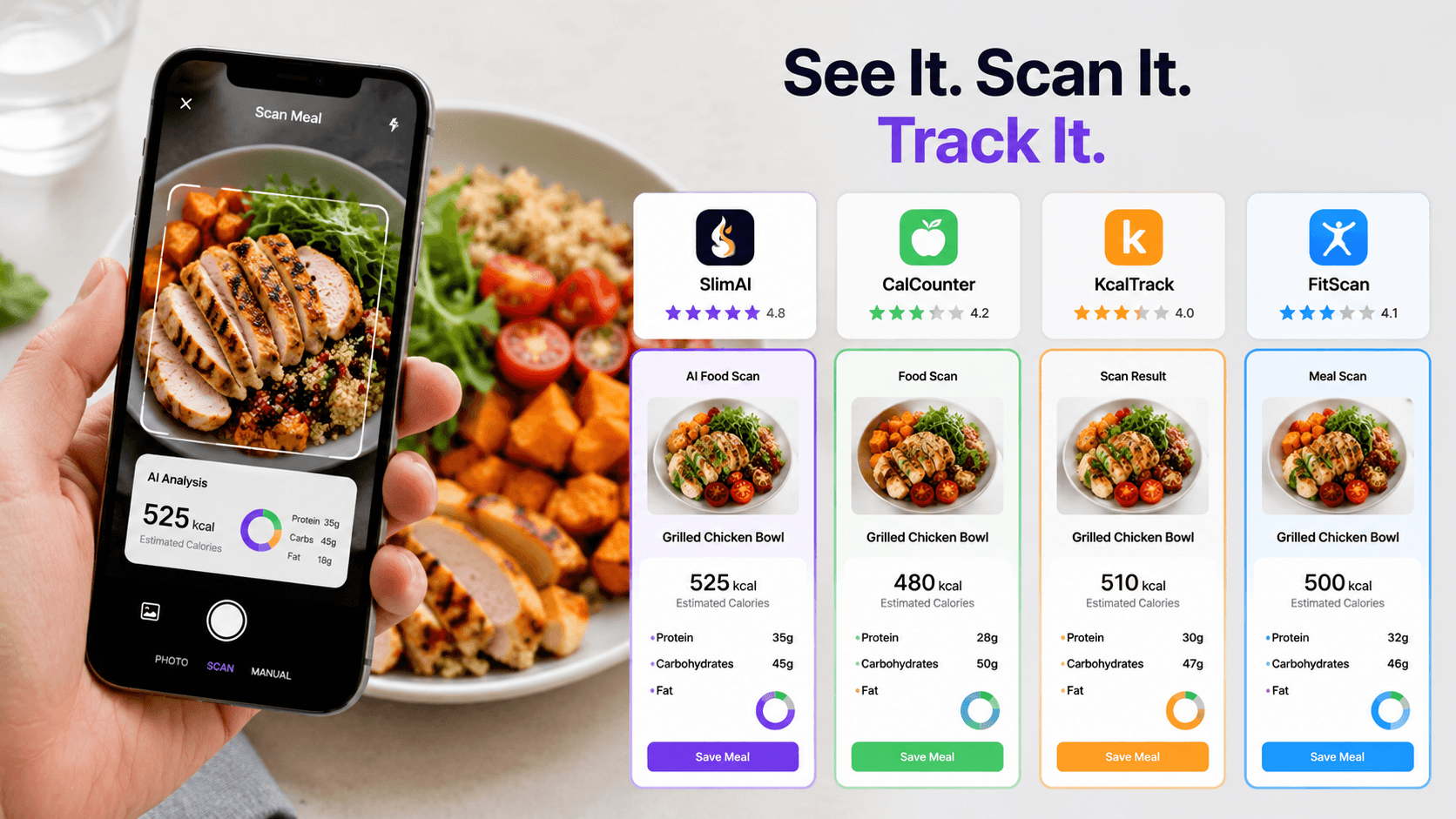
The best choice depends on whether you value editing controls, nutrient depth, an established database, fasting features, or a photo-first experience.
Tracker | Food-scanning and logging options | Nutrition and activity features | Best fit |
SlimAI | Camera Scan, Gallery Upload, Voice to Log, Type to Add, Food Database Search, Recent Foods, and Saved Foods | Ingredient Editing, Serving Size Guidance, Custom Calorie Goals, Macro Tracker, Workout Tracking, progress insights, and health integrations | Users who want fast scanning, entry correction, several logging methods, and connected calorie and exercise context |
MyFitnessPal | Meal Scan, Voice Log, barcode entry, food search, recipes, and manual logging | Calorie and macro goals, exercise tracking, progress history, and broad integrations | Users who prefer an established food database and mature diary system |
Cal AI | Meal photo, barcode scan, and written meal description | Estimated calories, protein, carbohydrates, fat, and personalized targets | Users who want a focused, photo-first logging experience |
Yazio | AI photo tracking, manual food entry, barcode scanning, and custom meals | Calories, macros, fasting timers, recipes, water, steps, and activity syncing | Users who want food tracking combined with fasting and structured recipes |
Cronometer | AI Photo-Logging, barcode scanning, voice logging, database search, recipes, and manual entry | Detailed macro and micronutrient tracking, custom targets, exercise, biometrics, and device syncing | Users who prioritize nutrient depth and verified food data |
SlimAI’s current product listing describes photo recognition, voice-to-text, manual entry, personalized goals, calorie and macro feedback, workout logging, water, fasting, steps, and progress tracking.
MyFitnessPal’s official pages describe Meal Scan, voice logging, barcode scanning, calories, macros, portions, and exercise tracking. Several faster logging features sit within its paid plans.
Cal AI allows users to photograph food, scan a barcode, or describe a meal for calorie and nutrient information. Its strongest focus is rapid photo-based entry.
Yazio combines AI photo tracking with manual and barcode logging, recipes, fasting support, water, steps, and activity syncing. Its AI photo feature currently belongs to Yazio Pro.
Cronometer offers detailed calorie, macro, and micronutrient tracking. Its free level includes core food and barcode logging, while AI Photo-Logging requires Gold.
Which One Is the Strongest All-Around Choice?
SlimAI is the stronger fit when your priority is scanning a meal, correcting the detected ingredients, changing the serving, and connecting the entry with calories, macros, exercise, and progress.
Cronometer may suit you better when micronutrient detail matters most. MyFitnessPal works well for database-first users. Cal AI offers a focused camera workflow, while Yazio is useful when fasting and recipes are central to your routine.
No tracker is automatically best for every person. Choose the system whose workflow matches the foods you actually eat.
How Does SlimAI Calorie Tracker Help You Scan and Track Food?
A scanned meal becomes more useful when you can change what the camera misunderstood.
SlimAI begins with Photo Calorie Tracker (Camera Scan). Once the meal appears, Ingredient Editing lets you correct missing or incorrect foods. Serving Size Guidance helps you adjust the amount closer to the portion you consumed.
That combination supports a practical version of Eat smarter, not stricter. You receive a faster starting point while keeping control over the saved entry.
SlimAI also includes Custom Calorie Goals, helping you compare the meal with a personalized daily target. Macro Tracker shows protein, carbohydrates, and fat rather than limiting the result to one calorie number.
When Camera Scan is not suitable, Flexible Food Logging gives you other routes. You can use Type to Add, Voice to Log, Gallery Upload, Food Database Search, Recent Foods, Saved Foods, Diet Plan Logging, Meal Suggestions, or Back-Date Logging.
SlimAI Premium includes Unlimited scans, Speak and Get Your Recipe, Type to Log, and Priority access to new SlimAI features. These options may help when repeated manual searching makes daily logging harder to maintain.
Fitness, Water, Fasting & Health Integrations, Workout Tracking, and Progress, Streaks & Back-Date Logging then place your food entry inside a wider routine. They can support progress review, but they do not guarantee a weight outcome.
How Should You Test a Food-Scanning App?
1. Scan a Meal You Eat Often
Do not begin with a banana or packaged snack. Use a mixed meal you understand well, such as rice, curry, vegetables, and sauce.
This test shows whether the tracker handles your normal foods rather than only simple examples.
2. Review the Identified Foods
Read the food list before judging the calorie total. Check whether the tracker missed oil, dressing, drinks, toppings, or side dishes.
Remove anything identified incorrectly. A convincing number can still rest on the wrong foods.
3. Change the Serving Size
Compare the suggested portion with what you ate. Adjust cups, pieces, grams, tablespoons, or serving fractions where available.
A tracker that recognizes food but locks the portion gives you less control than one with serving adjustment.
4. Test a Backup Logging Method
Try voice, text, barcode, or food search. Some meals are easier to describe than photograph.
A useful tracker should adapt to the meal instead of forcing every entry through the camera.
5. Check the Daily Dashboard
Review calories, protein, carbohydrates, fat, exercise, and progress together. Make sure the information answers a practical question rather than adding more numbers.
The goal is a routine you can understand and continue.