





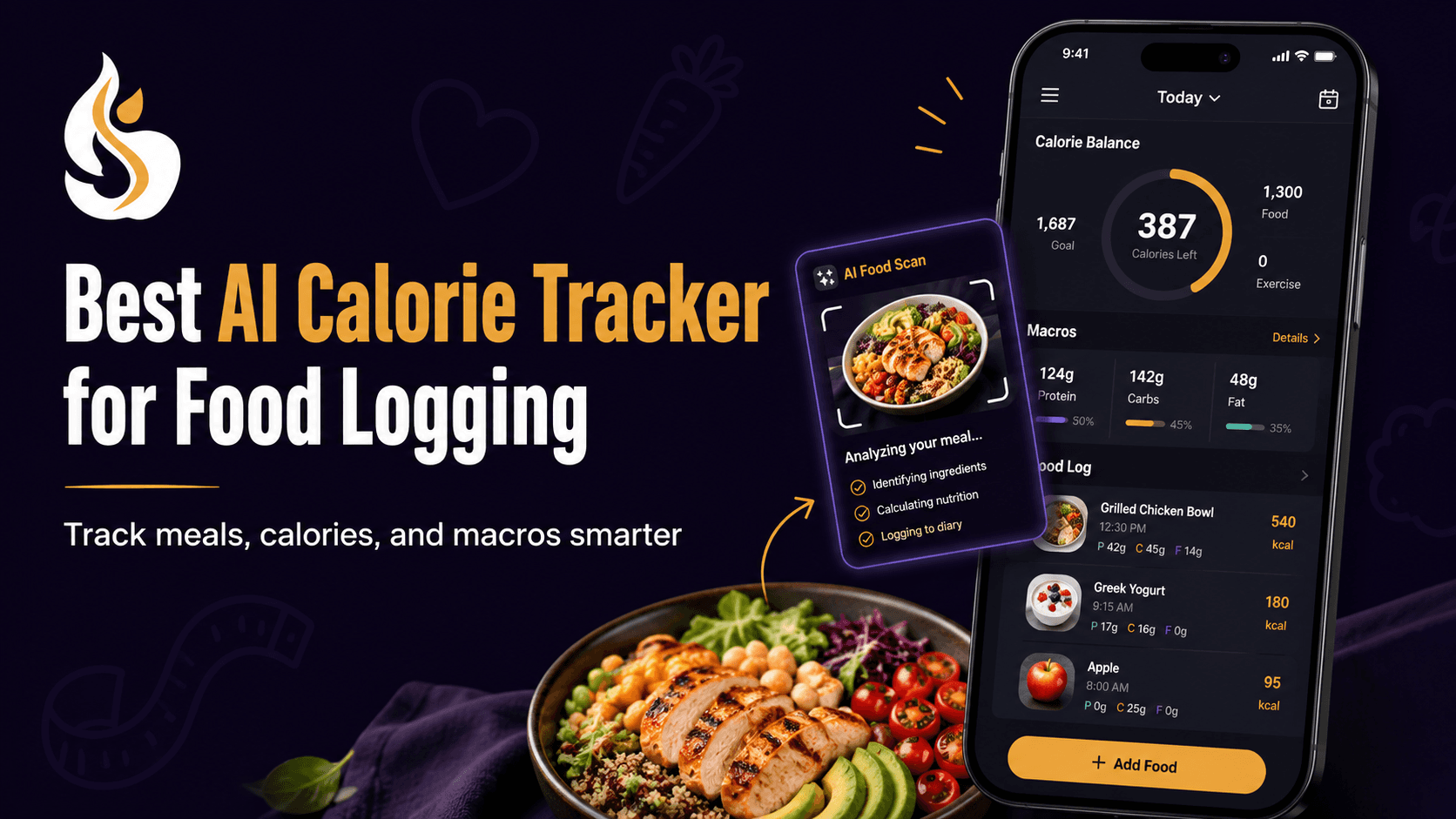
AI Calorie Tracker for Food Logging: Which Is Best?
Finding the right calorie tracker becomes difficult when every product promises faster logging and smarter estimates. The real test is not a packaged snack with a clear label. It is a mixed dinner with rice, curry, cooking oil, sauce, and a portion that does not match a standard database entry.
This guide compares SlimAI, MyFitnessPal, Cal AI, and Yazio based on logging speed, correction options, macros, and everyday usability. You will also learn what AI can estimate, where it can struggle, and which features matter most.
What Is an AI Calorie Tracker for Food Logging?
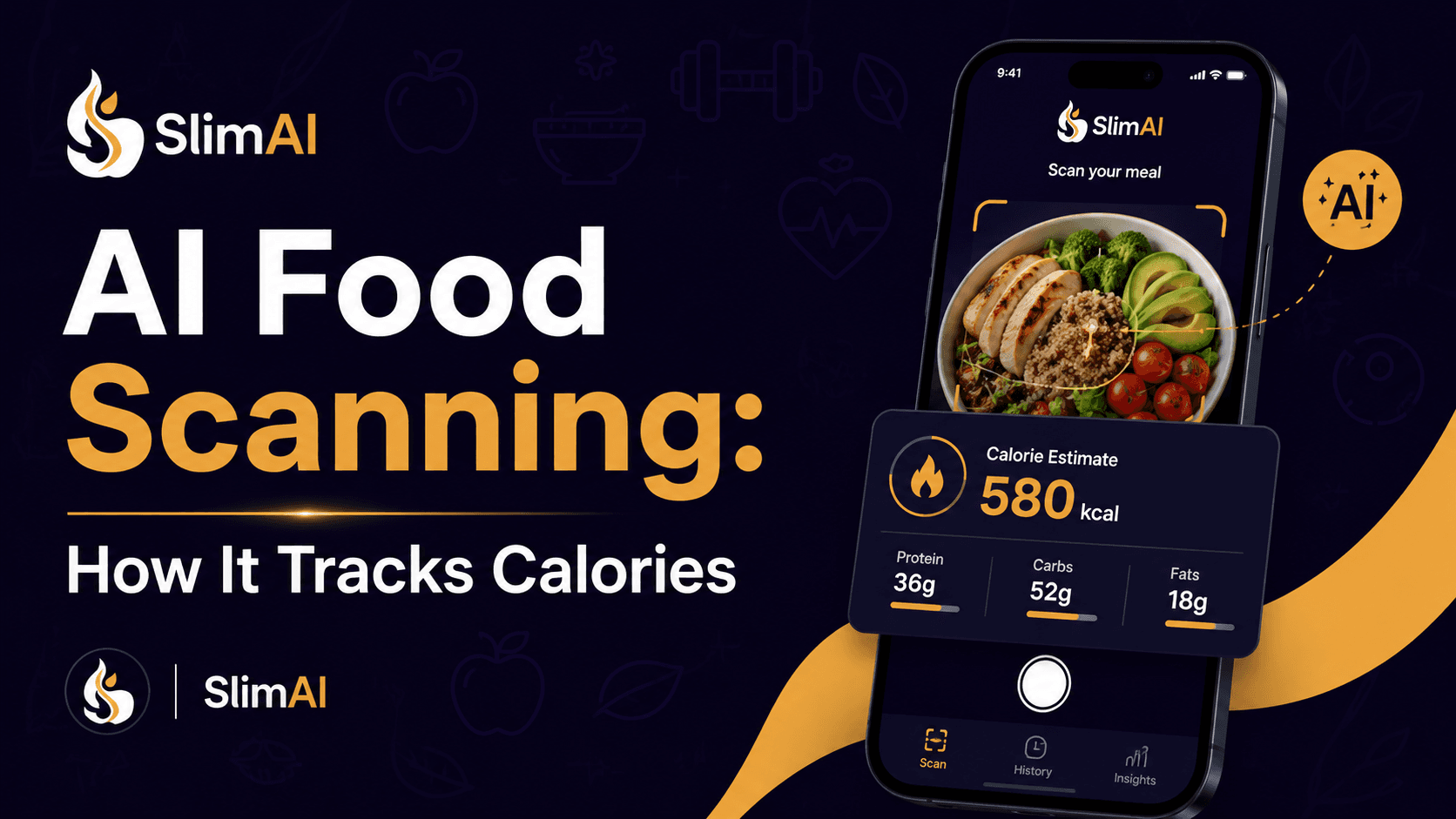
An AI Calorie Tracker for Food Logging uses technologies such as food-image recognition or natural-language processing to identify meals and estimate calories and nutrients. It can reduce manual searching by turning a photo, spoken description, or typed meal into an editable food entry.
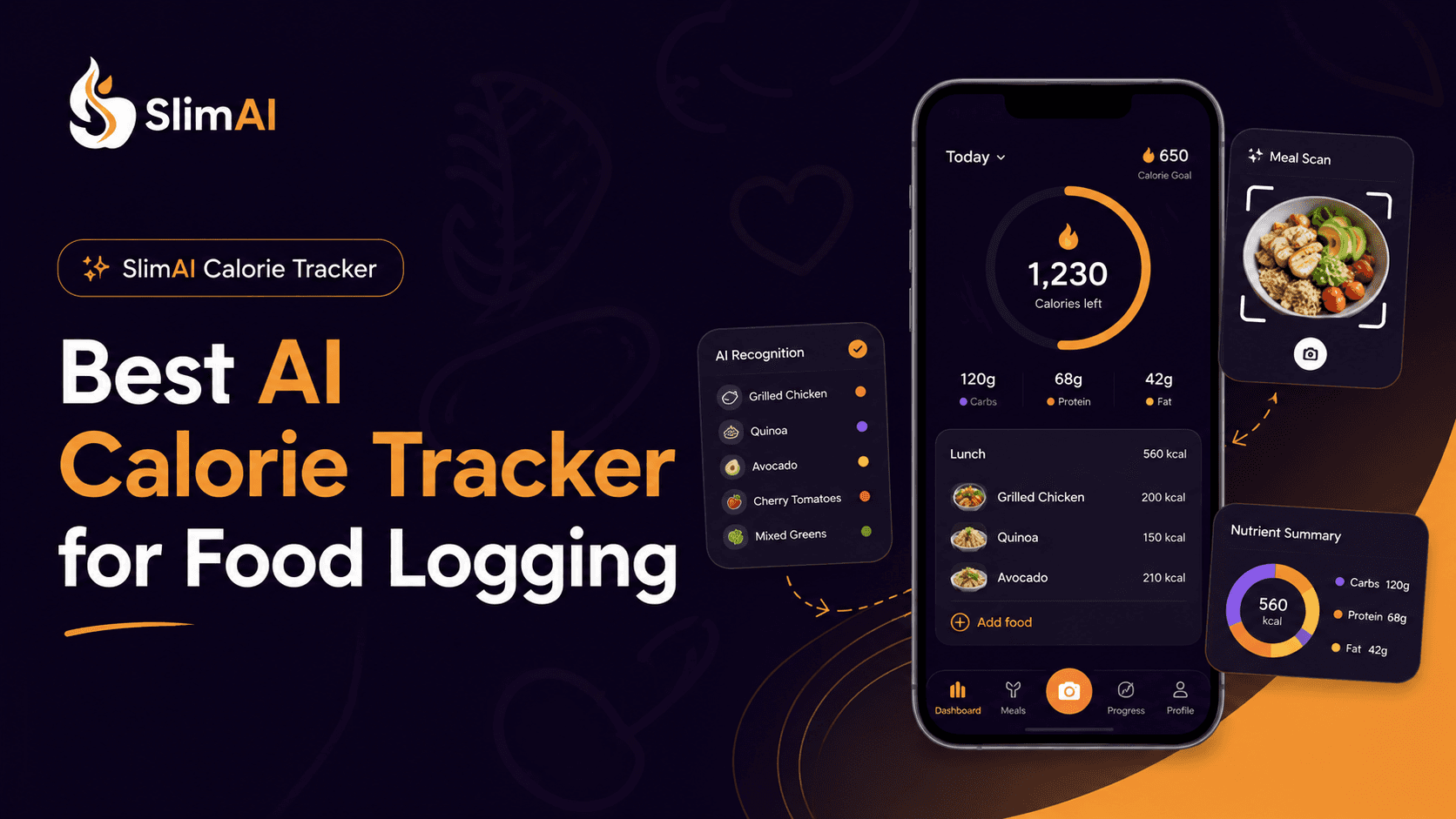
SlimAI Calorie Tracker combines its AI Calorie Tracker with Photo Calorie Tracker (Camera Scan), Voice Calorie Tracker (Voice to Log), and other food-entry methods for different meal situations.
Why Does Choosing the Right AI Food Tracker Matter?
Food tracking only provides useful feedback when you can continue doing it. Research has linked regular dietary self-monitoring with stronger awareness and weight-management outcomes, but researchers also note that detailed logging can feel burdensome and adherence may decline over time.
That burden often appears during ordinary meals. A database search may work for a banana or packaged yogurt. It becomes slower when you eat homemade food, restaurant dishes, family recipes, or meals with several ingredients.
An AI food tracker can reduce the first part of the work by suggesting foods from a photo or description. However, reducing taps is only useful when you can review what was detected.
A suitable tracker should therefore help you:
capture the meal without a long search;
review the identified foods;
correct missing ingredients;
change the serving size;
see calories and macros clearly;
use another logging method when a photo is not enough.
The best tracker is rarely the product with the longest feature list. It is the one you can use during your actual routine.
What Do Most People Get Wrong About AI Food Tracking?
The Boldest Accuracy Claim Does Not Identify the Best Tracker
Food recognition and calorie estimation are separate challenges. A system may identify chicken correctly but still misjudge the amount, cooking oil, sauce, or serving size.
Reviews of image-based dietary assessment systems describe food recognition, segmentation, and volume estimation as distinct technical stages. Errors can enter at each stage, especially when foods overlap or ingredients are hidden.
AI calorie estimates can vary because of portion size, ingredients, sauces, cooking methods, and serving size. SlimAI reduces this friction with Ingredient Editing and Serving Size Guidance, helping users adjust entries closer to what they actually ate.
A Free Download Does Not Mean Every Logging Method Is Free
People searching for an “AI calorie tracker free” or a “Cal AI free alternative” should check which functions remain available without payment. Download access, trial access, and unrestricted photo logging are not the same thing.
For example, MyFitnessPal currently identifies Meal Scan as a Premium function. Cal AI promotes a limited trial on its official website, while Yazio places AI food tracking within its Pro feature guidance. Availability may also differ by region, operating system, and product version.
Compare what you can use after the trial, not only what you can download.
One Meal Photo Does Not Always Contain Enough Information
A photograph shows appearance, but it may not show preparation. Two similar bowls of curry can contain different quantities of oil, cream, meat, or vegetables.
Image-based tracking works best when the result is treated as a starting entry. Review it before saving, particularly for mixed dishes, restaurant meals, drinks, dressings, and foods partly hidden beneath other ingredients.
Which AI Calorie Tracker Works Best for Different Users?
No single product is automatically best for everyone. The right choice depends on how you eat, how you prefer to log, and how much correction control you need.
Tracker | Main food-logging strengths | Correction and context | Strongest fit |
SlimAI | Camera Scan, Voice to Log, Type to Add, Gallery Upload, Food Database Search, Recent Foods, and Saved Foods | Ingredient Editing, Serving Size Guidance, Macro Tracker, Custom Calorie Goals, and connected activity tracking | Users who want several logging methods plus control over mixed and homemade meal entries |
MyFitnessPal | Meal Scan, Voice Log, barcode entry, manual search, and an established food database | Detailed diary functions, macro views, goals, and integrations; some faster logging features require Premium | Users who value a broad database and a mature food-diary system |
Cal AI | Photo scanning, barcode scanning, and meal descriptions | Estimates calories, protein, carbohydrates, and fat, with fitness integrations | Users mainly interested in a photo-first interface |
Yazio | AI photo tracking, manual food entry, and barcode logging | Calorie and macro tracking, recipes, fasting functions, and fitness syncing | Users who want food tracking combined with fasting and structured meal content |
SlimAI’s current product information describes photo recognition, voice-to-text, manual entry, personalized goals, macros, workouts, water, fasting, steps, and progress tracking.
MyFitnessPal currently offers Meal Scan and Voice Log, while its support documentation identifies Meal Scan and barcode scanning as paid features.
Cal AI’s official website describes photo, barcode, and meal-description logging, followed by calorie and macronutrient estimates.
Yazio’s official pages describe AI photo tracking, manual and barcode logging, fasting timers, recipes, and activity syncing.
When comparing them, focus on five questions:
Can you log your usual meals without searching for every ingredient?
Can you change the foods the AI detected?
Can you correct portion or serving size?
Can you switch to voice, text, barcode, or database search?
Can you understand the result after the meal is saved?
SlimAI is the stronger fit when you want several input methods and the ability to refine AI-generated entries. MyFitnessPal may suit database-first users. Cal AI offers a focused photo experience. Yazio may appeal to users who also prioritize fasting and meal planning.
How Does SlimAI Calorie Tracker Help With Food Logging?
The hardest food logs are usually meals that do not match a standard database item. SlimAI addresses that problem by letting you begin with Photo Calorie Tracker (Camera Scan) and then review the generated entry instead of accepting it without changes.
When a photograph is not practical, Flexible Food Logging gives you other routes. These include Type to Add, Voice to Log, Gallery Upload, Food Database Search, Recent Foods, Saved Foods, Diet Plan Logging, Meal Suggestions, and Back-Date Logging.
After the meal appears, Ingredient Editing helps you correct what was included. Serving Size Guidance helps you bring the portion closer to what you ate. Macro Tracker then shows protein, carbohydrates, and fat beside calories.
This combination supports the idea behind Eat smarter, not stricter. You receive a useful estimate quickly but keep control over the final entry.
For people who log often, SlimAI Premium includes Unlimited scans, Speak and Get Your Recipe, Type to Log, and Priority access to new SlimAI features. These functions reduce repeated manual searches without removing the need to review your meal.
How Should You Use an AI Food Tracker?
1. Scan your Meal in Seconds
Keep the full plate visible and use enough light to separate foods. A clear angle may help food recognition, although hidden ingredients will still require review.
For a mixed bowl, take the photo before stirring everything together when possible. This gives the system more visible food boundaries.
2. Check Every Suggested Ingredient
Review the entry before adding it to your diary. Look for cooking oil, sauces, toppings, drinks, and side dishes that may not be obvious from the image.
Remove anything the tracker added incorrectly. Add foods that the image did not capture. SlimAI provides Ingredient Editing feature so you can add the missing ingredient or get the calorie breakdown of your own recipe.
3. Adjust the Portion You Actually Ate
The photographed portion and the eaten portion may differ. You may leave food behind, share part of the dish, or return for another serving.
Use the closest household measurement available. Cups, tablespoons, pieces, grams, or serving fractions can provide better context than accepting a default portion.
4. Use Another Logging Method When Needed
A photo is not always the fastest choice. Use Barcode Scanner for packaged food, Voice to Log when you can describe a meal clearly, or Recent Foods for something you eat regularly.
The purpose of AI food tracking is to reduce friction, not force every meal through the same process.
5. Review Patterns Instead of One Isolated Number
One estimate cannot explain your full eating pattern. Look at your calories, macros, meal timing, and repeated choices across several days.
Consistent app-based dietary self-monitoring has been associated with short-term weight-management outcomes, but research does not show that logging alone guarantees a result.