



AI Food Scanning: How It Helps Track Calories
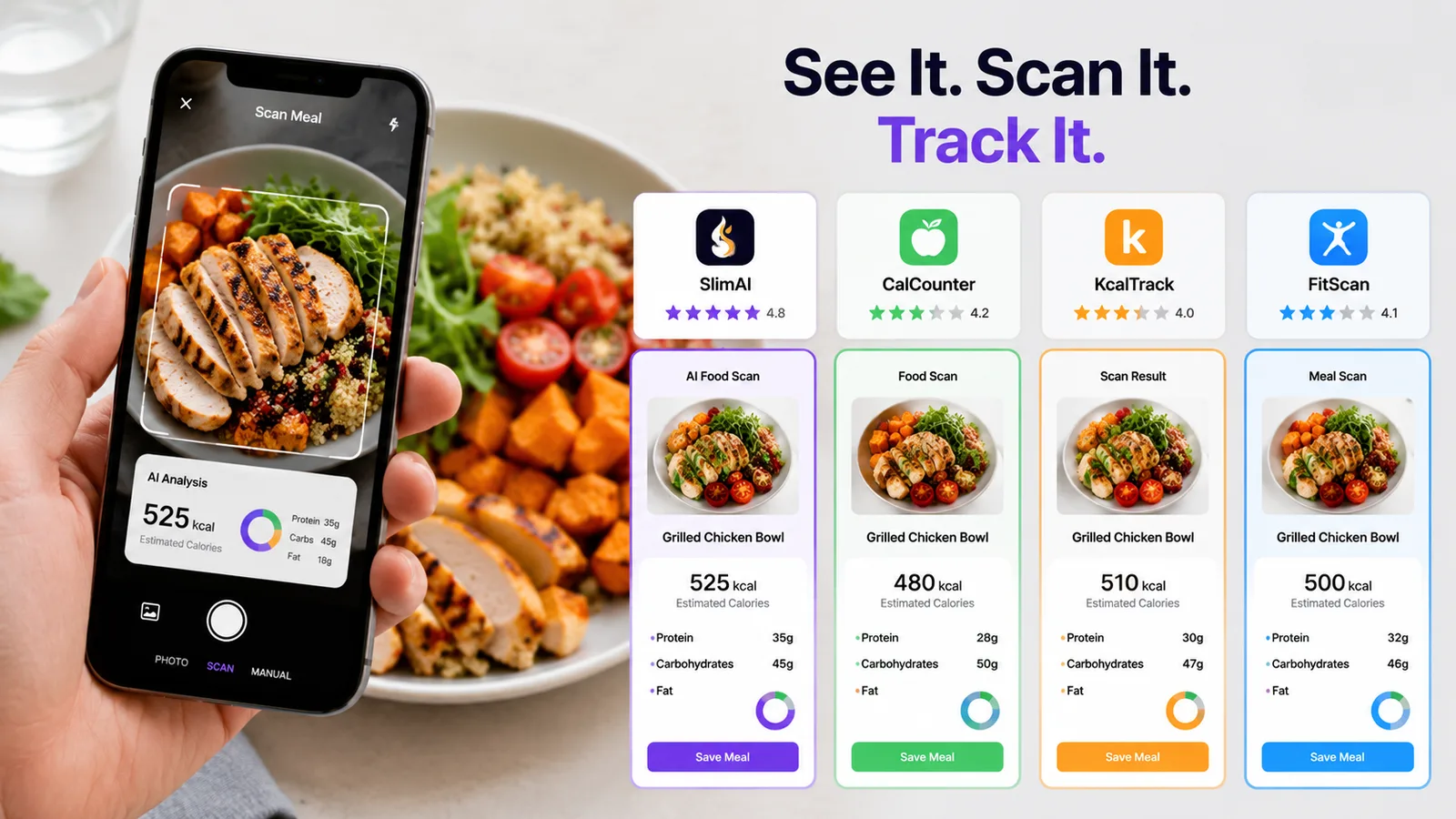
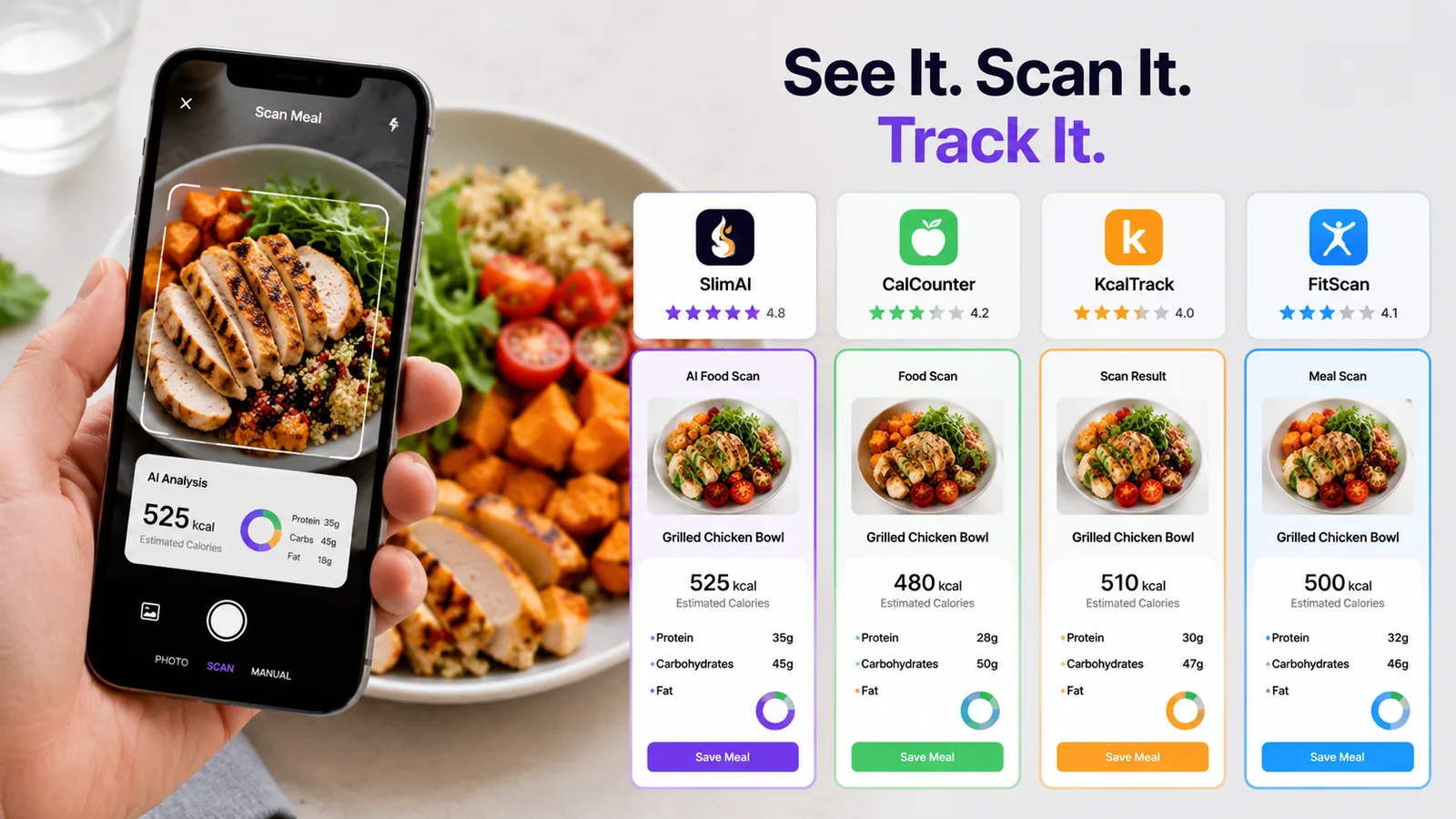
AI food scanning looks straightforward until you photograph a meal with rice, curry, oil, sauce, and several foods touching each other. The scanner may recognize the main dish, yet still lack enough information to know the recipe or portion you ate.
That does not make food scanning useless. It means a scan should begin the food log rather than finish it without your input.
This guide explains how image recognition becomes a calorie estimate, why results can differ, and how you can improve a scanned meal before using it to review your calories and macros.
What Is AI Food Scanning?
AI food scanning uses computer vision to analyze a food image, identify visible items, estimate their portions, and connect them with nutrition information. The result becomes an editable calorie and nutrient estimate rather than a direct measurement of the meal.
SlimAI Calorie Tracker connects Photo Calorie Tracker (Camera Scan) with Ingredient Editing and Serving Size Guidance, allowing users to review the foods and portions suggested by the scan. SlimAI’s allows users to have several ways to log food.
Why Can Food Scans Produce Different Calorie Estimates?
A food photograph contains visual clues, but it does not contain the full recipe.
Image-based dietary systems usually work through several connected stages. They separate food from the background, classify each visible item, estimate its volume or portion, and then match that result with nutrition data. An error during one stage can affect the final calorie estimate.
Real meals make those stages harder. Foods can overlap, lighting can change their appearance, and a flat photograph may not show depth clearly. A bowl can also hide oil, butter, cream, sugar, dressings, or ingredients beneath the surface.
Research reviews identify portion and volume estimation as continuing challenges for image-based dietary assessment. Camera angle, food shape, lighting, presentation, and the available reference data can all influence the result.
This is why two scans of the same meal may not always return identical information. The image provides evidence, but your knowledge of the meal adds context the camera cannot see.
What Do People Get Wrong About AI Food Scanning?
A Clear Photo Does Not Reveal the Full Recipe
A clear image can help the scanner separate foods and recognize visible ingredients. It cannot automatically confirm how much oil was used or whether a sauce contains cream, sugar, or butter.
Consider two visually similar plates of pasta. One may use a light tomato sauce, while another contains more oil and cheese. A camera can recognize pasta, yet the recipes may produce different calorie and macro totals.
AI calorie estimates can vary because of portion size, ingredients, sauces, cooking methods, and serving size. SlimAI reduces this friction with Ingredient Editing and Serving Size Guidance, helping users adjust entries closer to what they actually ate.
Food Recognition and Portion Estimation Are Different Tasks
Correctly naming a food does not automatically mean the portion is correct.
A scanner may recognize rice but still need to estimate whether the plate contains half a cup, one cup, or more. Portion estimation is difficult because a two-dimensional image does not fully capture food volume.
Research comparing portion-estimation aids found that both image-based and text-based methods can contain measurement error. The study also showed that the choice of estimation method can affect the result.
AI Does Not Remove the Need for Review
AI can reduce the first part of meal logging. It can suggest the foods and create an initial entry.
You still need to check whether the scan missed a drink, topping, cooking fat, or side dish. You may also need to remove something that was identified incorrectly.
This review step is not a failure of AI. It is how you combine automated food recognition with information only you know.
Manual Logging Is Not Automatically Perfect
Typing every food yourself can provide more control, but manual entries also depend on the database item and serving size you choose.
Traditional food diaries and self-reported intake can be affected by forgotten foods, incorrect portions, and incomplete reporting. Research reviews describe both manual and automated dietary assessment as methods with different sources of error.
The practical goal is not choosing between “perfect AI” and “perfect manual entry.” Neither exists. A better approach uses the fastest suitable logging method and then reviews the result.
What Makes AI Food Scanning More Useful?
AI food scanning works best when you match the logging method to the meal instead of using Camera Scan for everything.
| Logging method | Best use | What you should review |
|---|---|---|
| Camera Scan | Plated meals with visible foods | Ingredients, portions, oils, sauces, and side dishes |
| Gallery Upload | Meals photographed earlier | Whether the full meal and serving are visible |
| Barcode Scanner | Packaged foods with a readable barcode | Serving size and the quantity consumed |
| Voice to Log | Meals you can describe more clearly than photograph | Ingredient amounts and spoken serving details |
| Type to Add | Recipes, mixed dishes, or foods requiring explanation | Names, quantities, and preparation methods |
| Food Database Search | Individual foods or known products | Correct product, measurement unit, and portion |
| Recent Foods | Meals and snacks you eat regularly | Whether today’s portion or recipe changed |
A scan also improves when the complete meal appears in the frame. Photograph drinks, bread, sauces, and side items rather than scanning only the main plate.
After scanning, read the food list before looking at the calorie total. A polished number can still rest on an incorrect ingredient or portion.
The most useful food log is not the one requiring the fewest taps. It is the one you can create quickly, understand, and correct.
How Does SlimAI Calorie Tracker Help With AI Food Scanning?
A food scanner becomes more useful when it gives you control after the image is processed.
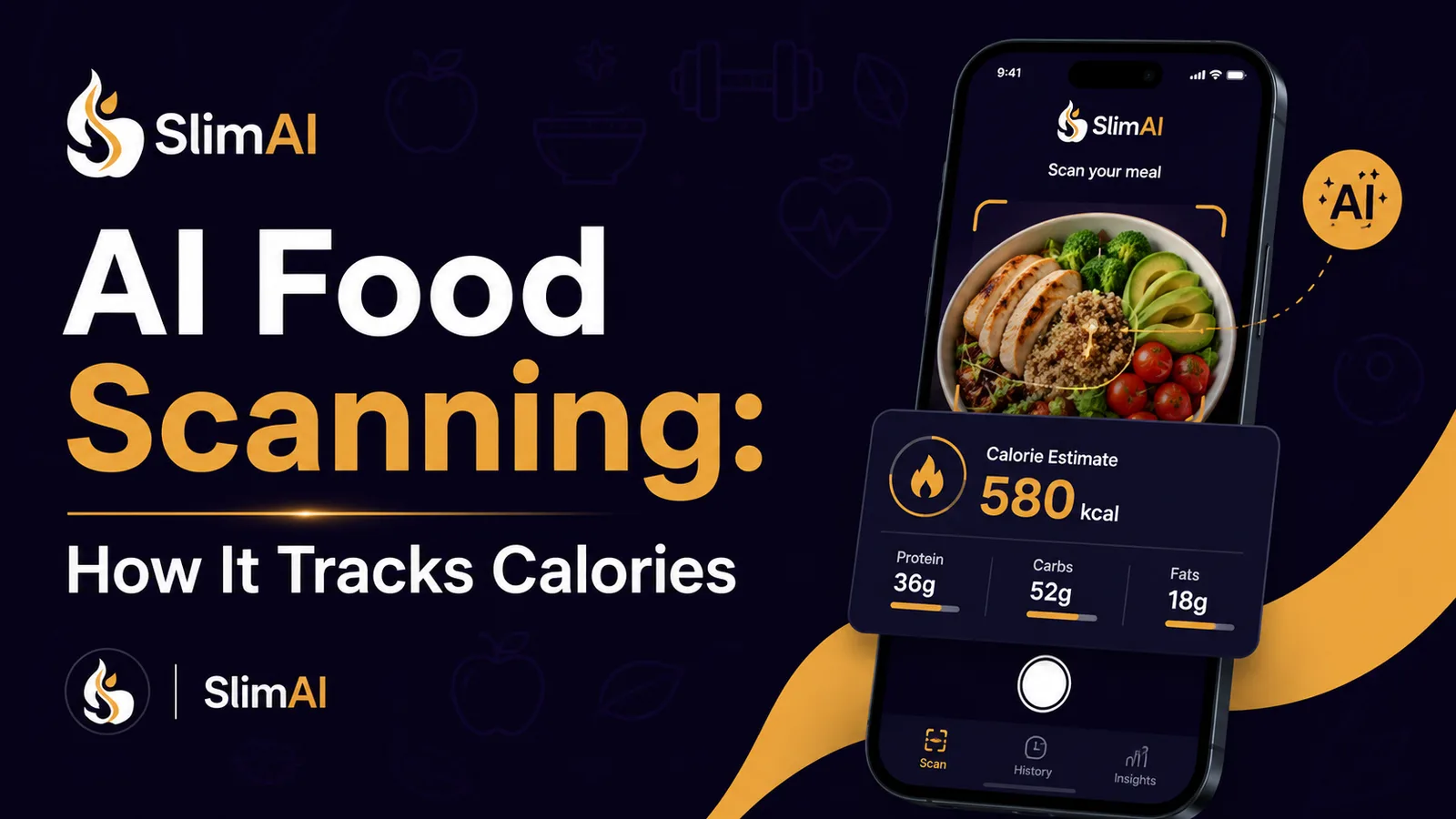
SlimAI starts with Photo Calorie Tracker (Camera Scan), which can identify visible foods and create an initial calorie and macro entry. You can then use Ingredient Editing when the suggested foods do not fully match your meal. Serving Size Guidance helps you adjust the portion instead of relying on the default amount.
That workflow supports a more flexible goal: Eat smarter, not stricter. The scan reduces manual searching, while your corrections add details the image could not provide.
SlimAI also supports Flexible Food Logging. When a photograph lacks enough information, you can use Type to Add, Voice to Log, Gallery Upload, Food Database Search, , Saved Foods, Diet Plan Logging, Meal Suggestions, or Back-Date Logging.
For frequent food logging, SlimAI Premium includes Unlimited scans, Speak and Get Your Recipe, Type to Log, and Priority access to new SlimAI features. These options may help when manual searching causes you to postpone or skip entries.
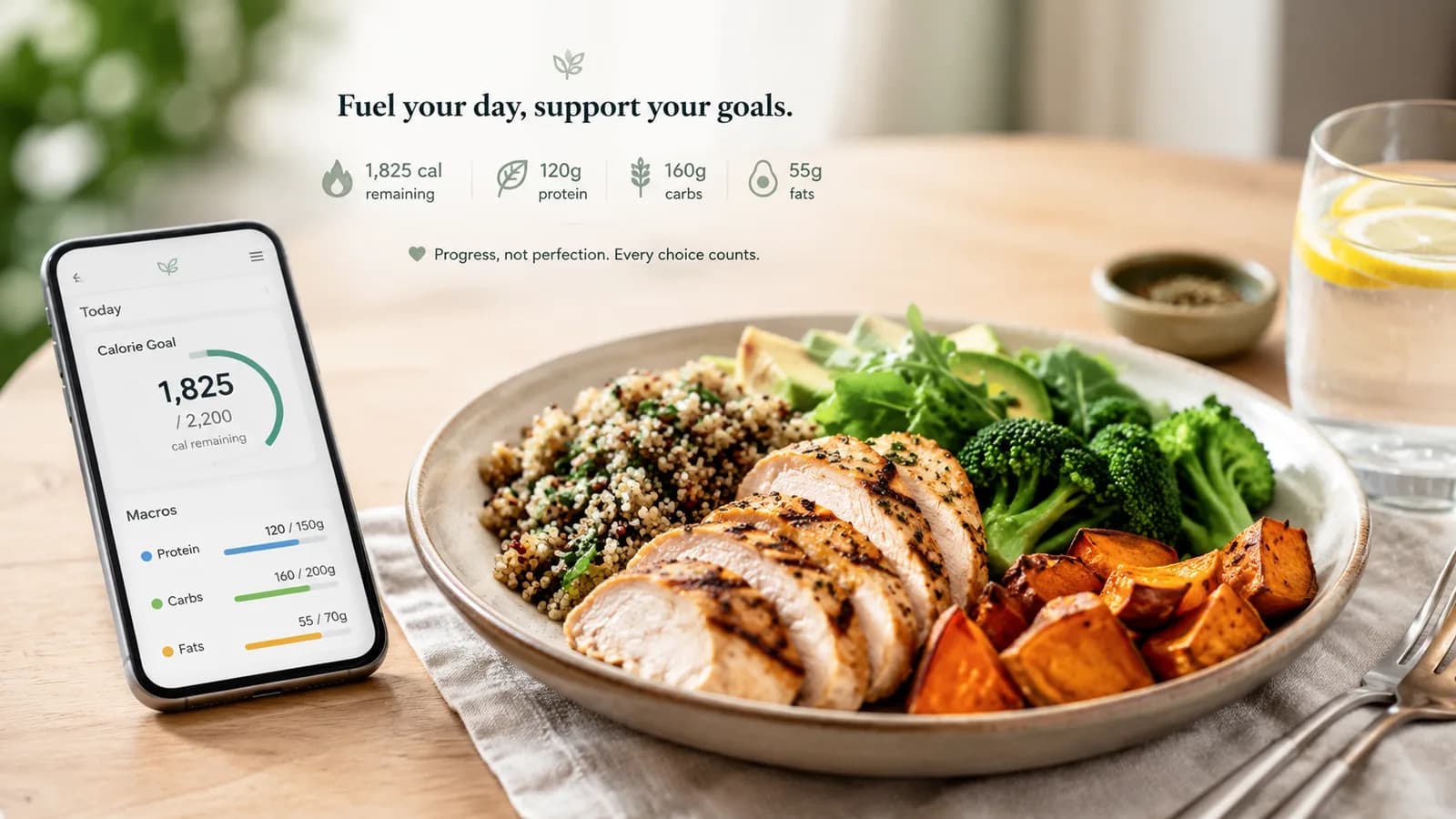
After saving the meal, Macro Tracker helps you review protein, carbohydrates, fats, and calories together. SlimAI’s official pages describe food recognition, meal scanning, macro tracking, personalized goals, and connected progress features.
How Should You Scan and Review a Meal?
1. Place the Complete Meal in the Frame
Photograph the full plate from an angle that shows each major food. Use enough light to separate foods from the plate and background.
Include visible drinks, bread, dressings, and sides. Anything outside the photograph cannot contribute to the initial scan.
2. Check the Identified Foods Before the Calories
Read each suggested item before focusing on the total. Confirm that rice was not mistaken for another grain or that grilled meat was not recorded as fried.
Delete incorrect items and add anything missing. This prevents one recognition error from affecting the full entry.
3. Add Ingredients the Camera Cannot See
Think about preparation details. Cooking oil, butter, cream, sugar, cheese, sauces, and dressings can be difficult to identify from appearance alone.
For homemade food, use what you know about the recipe. For restaurant food, make a reasonable adjustment rather than presenting the estimate as exact.
4. Correct the Amount You Actually Ate
The photographed portion may not equal the consumed portion. You may share the meal, leave food behind, or take another serving.
Adjust pieces, cups, tablespoons, grams, or serving fractions where available. Portion correction often matters as much as food recognition.
5. Switch Logging Methods When the Photo Adds Confusion
Use Barcode Scanner for packaged items and Voice to Log when spoken detail provides more context. Choose Type to Add for a recipe requiring several specific ingredients.
AI scanning should reduce friction. It should not force every food into a photo-based workflow.
Conclusion
AI food scanning helps you begin a calorie log without searching for every visible food. Its main value is speed, not automatic certainty.
The result still depends on food recognition, portion estimation, preparation details, and the nutrition entry used. Reviewing the detected foods and correcting hidden ingredients can make the log more useful.
SlimAI combines Camera Scan with Ingredient Editing, Serving Size Guidance, Macro Tracker, and several backup logging methods. This approach may help you spend less time building entries while keeping control over what gets saved.
Sources and References
- Dalakleidi, K. V., et al. “Applying Image-Based Food-Recognition Systems on Dietary Assessment: A Systematic Review.” Advances in Nutrition, 2022.
- Rouhafzay, A., Rouhafzay, G., and Jbilou, J. “Image-Based Food Monitoring and Dietary Management: A Scoping Review of Calorie Counting Applications.” Frontiers in Nutrition, 2025.
- Lucassen, D. A., et al. “The Accuracy of Portion Size Estimation Using Food Images and Textual Descriptions of Portion Sizes: An Evaluation Study.” Journal of Human Nutrition and Dietetics, 2021.
- SlimAI. “SlimAI Calorie Tracker Official Website.” Techparser LLC, accessed July 20, 2026.
- SlimAI. “About SlimAI Calorie Tracker.” Techparser LLC, accessed July 20, 2026.
Related Reading
- Best Calorie Tracking App in 2026
- Calorie Tracking Myths Hurting Weight Loss
- Tracking Macros for Weight Loss: Do You Need It?