



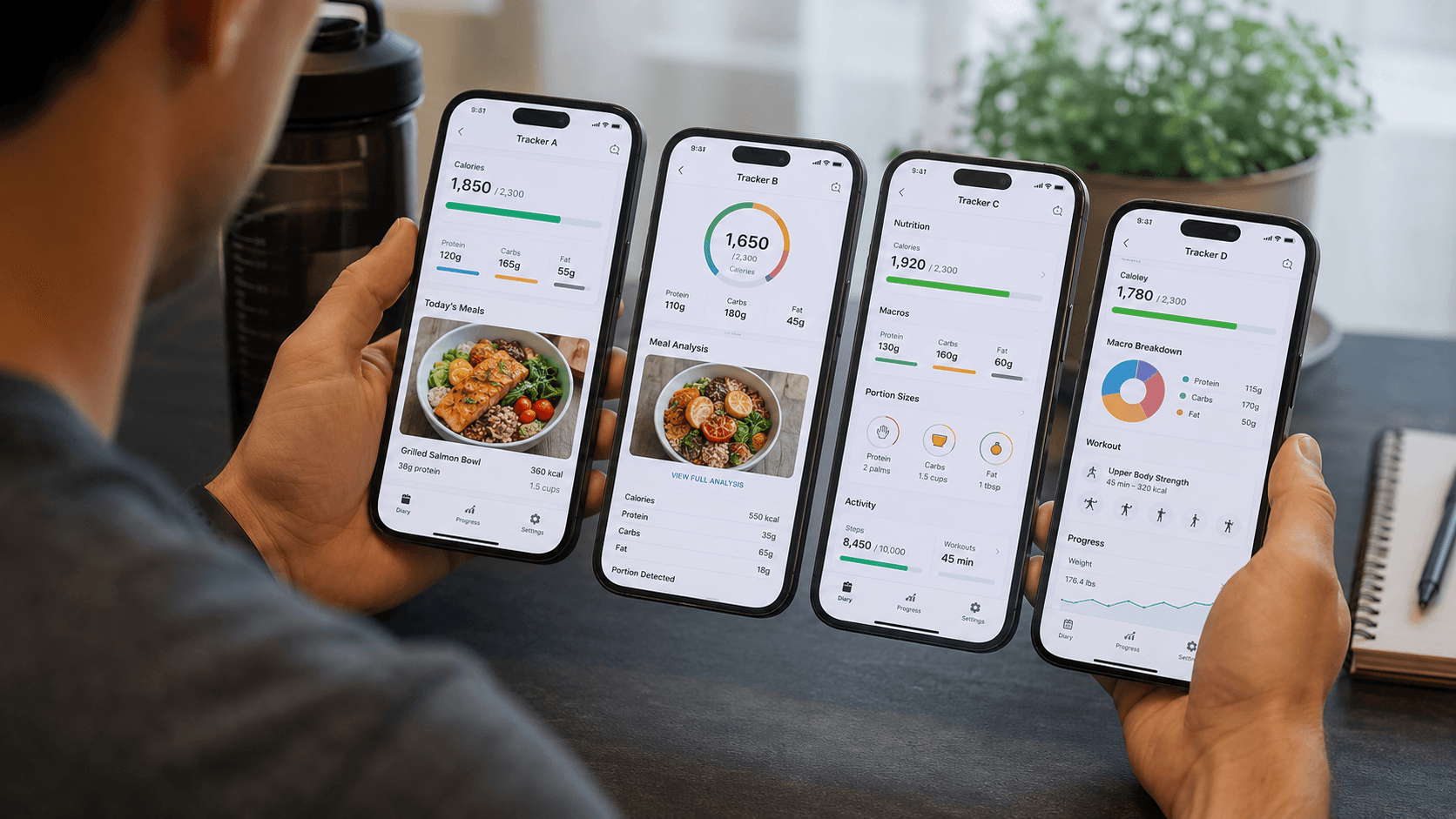
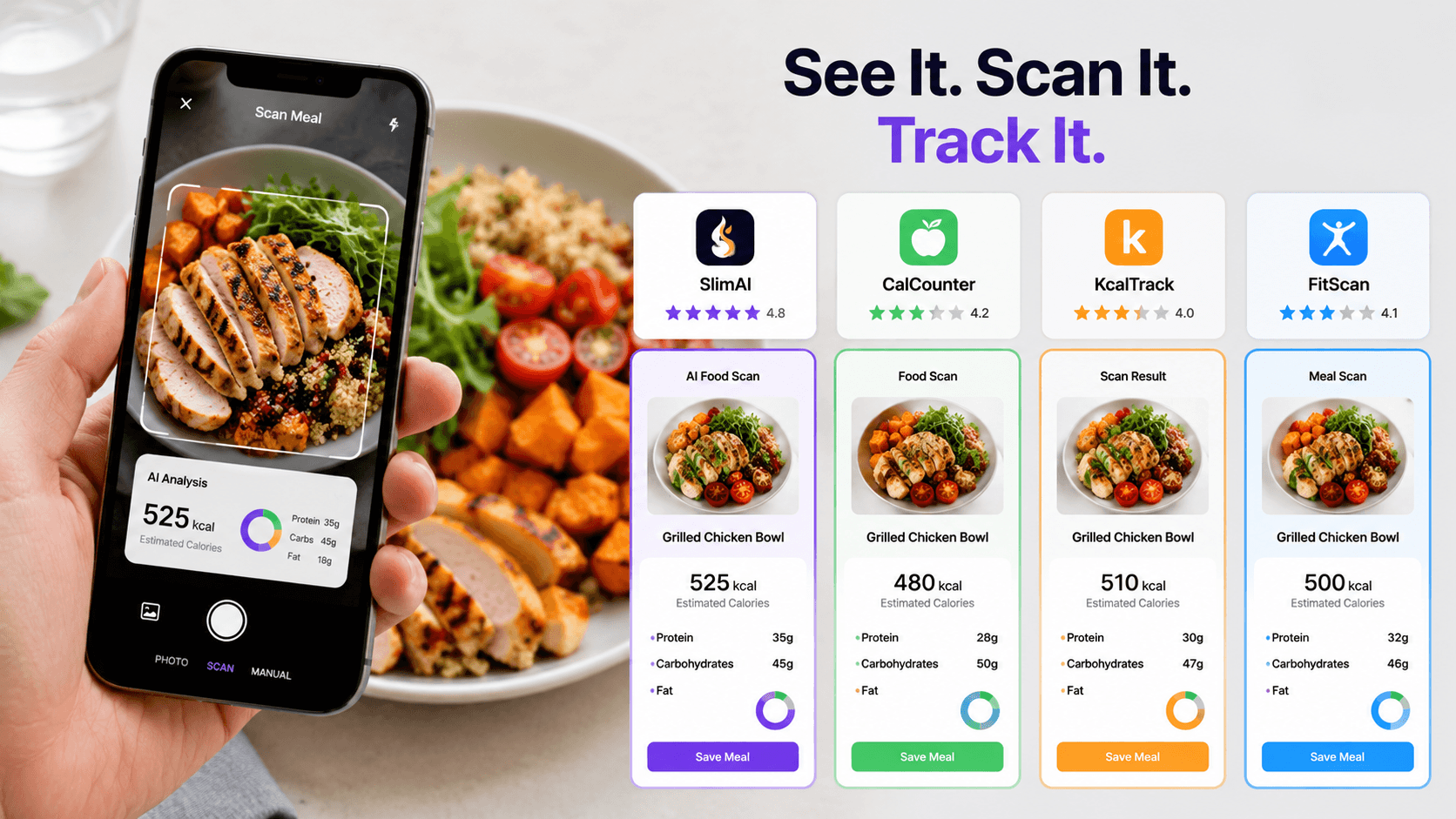
Best Calorie Counter App in 2026: 5 Compared
Comparing calorie counters feels straightforward until you try logging a homemade dinner with rice, sauce, cooking oil, and several ingredients touching each other. One tracker finds the foods but misses the portion. Another provides detailed nutrients but takes too long to use at every meal.
The best choice depends on what creates friction for you. You may need faster food scanning, deeper macro details, a stronger free plan, exercise data, or easier portion corrections.
This guide compares five leading options and explains which features matter for different routines.
What Makes a Calorie Counter App Worth Using?
The best calorie counter app helps you record food, understand calories and nutrients, and compare your intake with a personal goal. Modern options may also use AI food recognition, barcode entry, voice logging, workout data, and progress trends.
SlimAI Calorie Tracker combines AI Calorie Tracker, Flexible Food Logging, Macro Tracker, and Custom Calorie Goals so food entries connect with a wider daily picture. Its current store listing also describes photo, voice, manual, workout, macro, and progress tracking.
A useful calorie counter should reduce logging effort without hiding uncertainty. You should be able to understand and adjust what gets recorded.
Why Is Choosing the Right Calorie Counter Difficult?
Most calorie counters cover the same basic idea: enter food and receive a calorie total. The differences appear in how you create that entry and what happens afterward.
A banana or packaged yogurt is usually straightforward. A restaurant curry or homemade pasta requires more context. You may need to add oil, change the serving, correct an ingredient, or use another logging method.
The routine also matters. Research reviews suggest dietary self-monitoring can support weight-management efforts, but people often reduce their tracking when the process feels demanding. Lower-burden methods may make regular logging more practical, although no logging method guarantees a specific result.
This means the longest feature list does not always win. A suitable tracker should solve the parts of food logging that you are most likely to avoid.
Before choosing, consider:
how quickly you can enter a normal meal;
whether you can correct portions and ingredients;
which calorie and macro details you can see;
whether exercise and progress belong in the same routine;
what remains available without a subscription.
What Do People Get Wrong When Comparing Calorie Trackers?
More Features Do Not Automatically Create a Better Routine
A tracker may offer recipes, charts, fasting, coaching, social groups, and dozens of nutrient views. Those additions have little value when logging breakfast already feels like extra work.
Start with the task you repeat several times per day: recording food. Once that process fits your routine, compare additional features such as workouts, water, fasting, recipes, and progress.
AI Food Scanning Does Not Measure a Meal Directly
Photo-based logging can identify visible foods and estimate calories faster than a manual database search. It cannot directly see every cooking ingredient or confirm the exact amount you consumed.
Research reviews describe food recognition and portion estimation as separate technical problems. Image quality, food overlap, camera angle, hidden ingredients, and serving volume can affect the completed estimate.
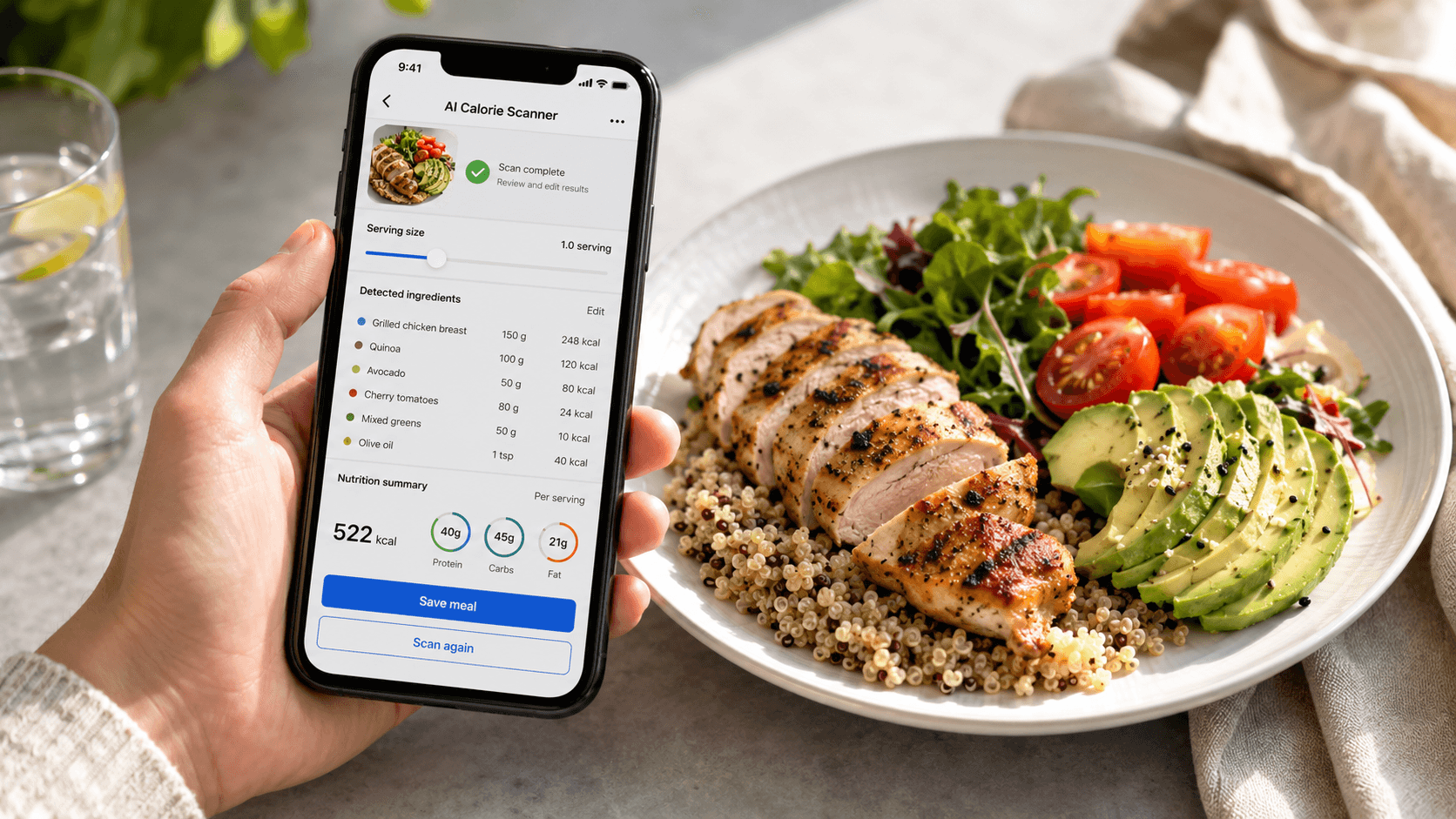
AI calorie estimates can vary because of portion size, ingredients, sauces, cooking methods, and serving size. SlimAI reduces this friction with Ingredient Editing and Serving Size Guidance, helping users adjust entries closer to what they actually ate.
A Free Download May Not Include Free AI Scanning
Many calorie counters provide some free food logging while placing photo recognition, barcode entry, voice logging, or advanced reports behind a subscription.
MyFitnessPal currently identifies Meal Scan as a Premium function. Yazio’s AI food-recognition feature belongs to Yazio Pro, while Cronometer reserves AI Photo-Logging for Gold users.
Check the exact feature you plan to use. “Free calorie counter” and “free unlimited AI food scanner” are different promises.
The Lowest Calorie Number Is Not the Best Result
A calorie counter should help you understand what you ate rather than reward you with the smallest estimate.
Review the food list, amount, cooking method, and macro breakdown. A higher but more realistic estimate is more useful than a lower number built on missing ingredients.
Which Calorie Counter Apps Are Best in 2026?
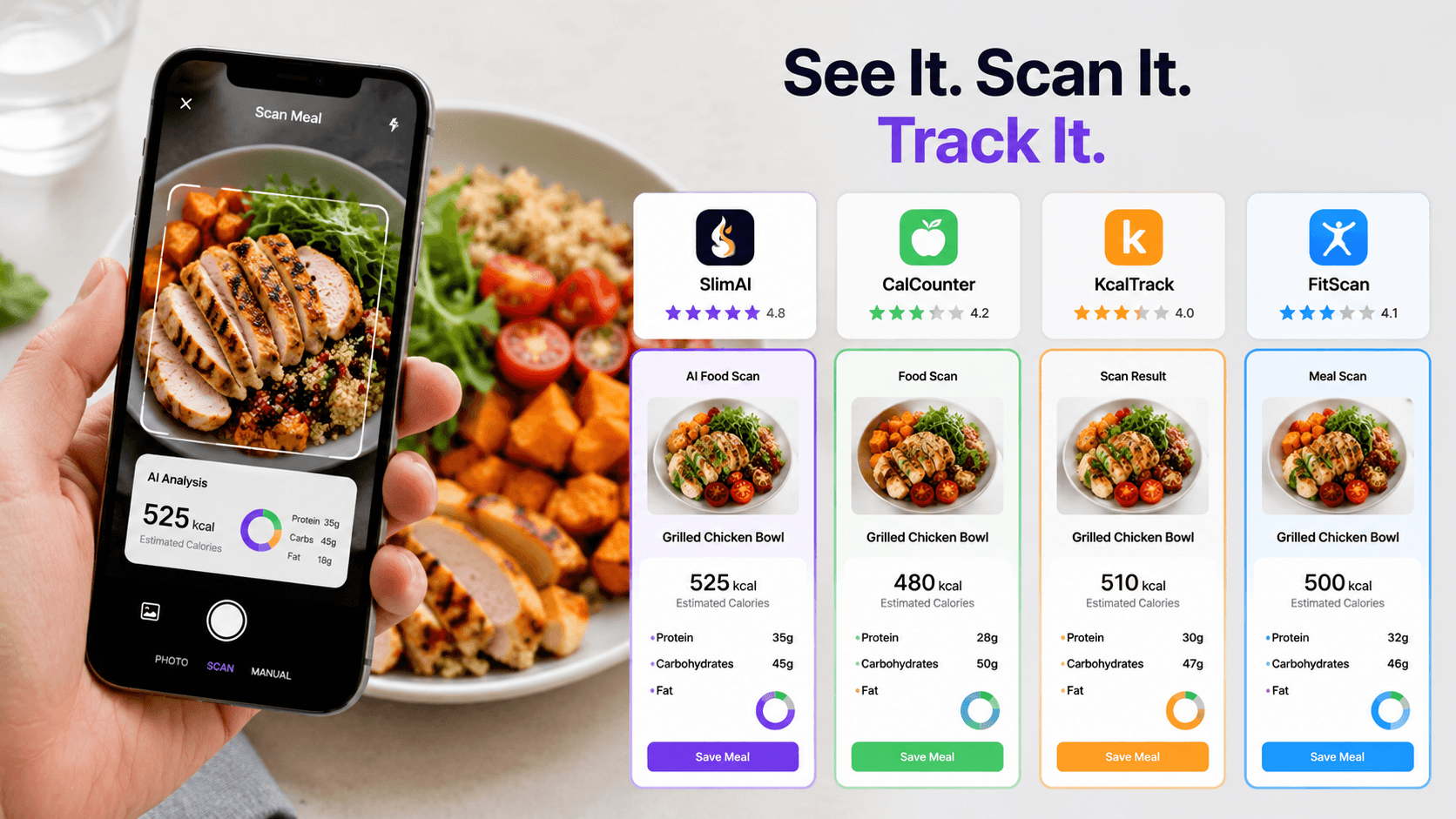
No single option is best for every user. The comparison below matches each tracker to the problem it handles most effectively.
Calorie counter | Main strengths | Important limitations | Best suited to |
SlimAI | Photo, voice, text, gallery, database, recent-food and saved-food logging; ingredient and portion correction; macros, goals, workouts and progress | Frequent AI logging and selected advanced entry methods require SlimAI Premium | Users who want flexible AI logging connected with calories, macros, activity and progress |
Cronometer | Strong free calorie, macro, micronutrient, barcode, recipe, exercise and device tracking | AI Photo-Logging requires Gold; the amount of nutrient data may feel dense | Users who prioritize nutrient depth and a strong free core plan |
MyFitnessPal | Established food diary, food database, Meal Scan, Voice Log, barcode entry, goals, macros and integrations | Meal Scan and several fast-logging features require a paid plan | Users who value a mature database-driven diary |
Yazio | Photo recognition, manual and barcode logging, fasting, recipes, water, steps and activity syncing | AI food recognition requires Yazio Pro | Users who want calorie tracking with fasting and meal planning |
Cal AI | Photo scanning, barcode entry and written meal descriptions with calorie and nutrient estimates | Its main experience centers heavily on camera-first logging | Users who want a focused AI photo workflow |
1. SlimAI: Best All-Around Choice for Flexible Tracking
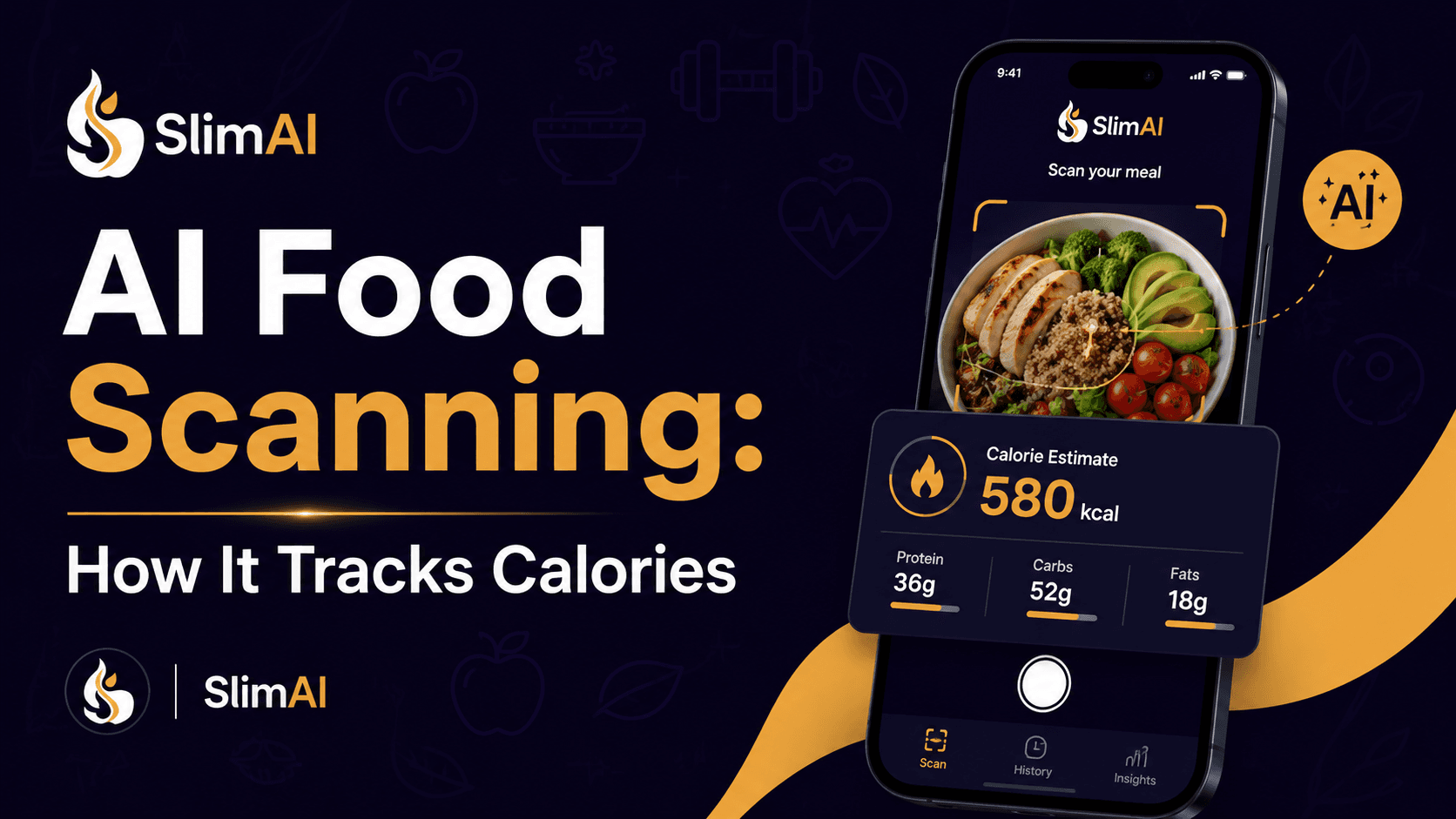
SlimAI stands out when no single food-entry method works for every meal. Photo Calorie Tracker (Camera Scan) handles visible plated meals, while Voice Calorie Tracker (Voice to Log) suits meals that are easier to describe.
Ingredient Editing and Serving Size Guidance address two common weaknesses in photo estimates. Macro Tracker adds protein, carbohydrates, and fat, while Custom Calorie Goals place each meal inside your personal target.
The result is a connected option for users who want food, workouts, daily habits, and progress in one routine. SlimAI’s public listing confirms flexible logging, personalized goals, calorie insights, macro tracking, and workout records.
2. Cronometer: Best for Micronutrient Detail and Free Core Tracking
Cronometer is the strongest fit when vitamins, minerals, and detailed nutrient data matter as much as calories. Cronometer Basic currently includes calorie, macro, micronutrient, barcode, exercise, recipe, and device tracking.
Its free plan tracks up to 95 nutrients and compounds, while AI Photo-Logging requires Gold. That makes Cronometer a strong free nutrition tracker, but not a free AI photo scanner.
3. MyFitnessPal: Best for a Mature Food Diary
MyFitnessPal remains useful for users who prefer searching an established database and organizing meals in a traditional diary.
Its Meal Scan uses computer vision to suggest verified database entries. However, Meal Scan currently requires Premium and supported operating-system versions with English selected.
Choose MyFitnessPal when database familiarity and a mature diary matter more than having several AI entry styles.
4. Yazio: Best for Fasting and Structured Meal Planning
Yazio combines calorie and macro logging with recipes, fasting support, water, steps, and connected activity data.
Its AI food recognition analyzes a meal photo and creates initial ingredient, portion, and nutrient suggestions. Users can edit the detected ingredients and quantities, although the AI function currently belongs to Yazio Pro.
Yazio fits users who want food tracking inside a structured fasting or meal-planning routine.
5. Cal AI: Best for a Camera-First Workflow
Cal AI focuses on reducing the number of steps between seeing a meal and recording it.
Users can photograph food, scan a barcode, or describe a meal to receive calorie and nutrient information. This focused approach suits people who want a lighter photo-first experience.
Cal AI may feel less suitable when you want broader habit tracking or a deeper nutrition dashboard.
How Does SlimAI Match Features to Your Tracking Needs?
SlimAI works best when each feature solves a specific moment rather than appearing as another item on a checklist.
When you want to start quickly, Fast Setup & Personalized Tracking uses your profile and goal to create a more relevant starting point. Custom Calorie Goals then gives each meal a daily context instead of showing an isolated calorie total.
For a plated lunch, Photo Calorie Tracker (Camera Scan) creates the first entry. If the camera misses cooking oil or identifies an ingredient incorrectly, Ingredient Editing lets you correct the meal. Serving Size Guidance helps when the suggested portion does not match what you finished.
When a photograph cannot explain the recipe, Flexible Food Logging gives you another route. You can use Type to Add, Voice to Log, Gallery Upload, Food Database Search, Recent Foods, Saved Foods, Diet Plan Logging, Meal Suggestions, or Back-Date Logging. Barcode Scanner is more suitable for packaged food than photographing the package.
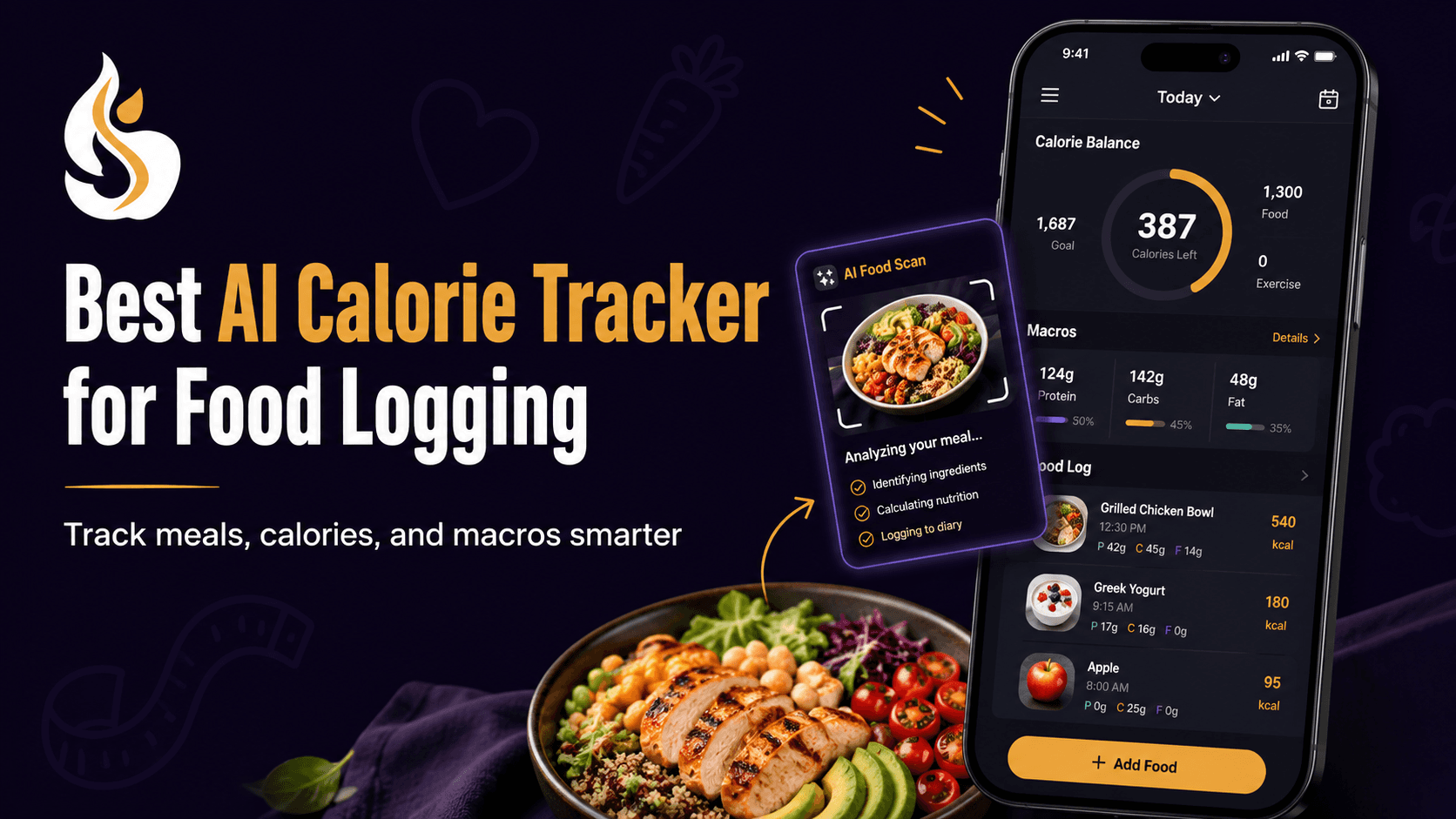
After logging, Macro Tracker shows protein, carbohydrates, and fats alongside calories. Food Health Score adds context about food quality, helping you look beyond a single number.
This connected approach reflects Eat smarter, not stricter. The goal is faster logging with enough control to understand what gets saved.
When you need ideas rather than another blank meal entry, Diet Plans, Recipes & Regional Foods can support food choices that match your preferences. Speak and Get Your Recipe offers another route when describing ingredients feels faster than searching.
SlimAI Premium includes Unlimited scans, Speak and Get Your Recipe, Type to Log, and Priority access to new SlimAI features. These features directly address repeated food-logging friction rather than adding unrelated extras.
Food intake is only part of your routine. Workout Tracking records exercise, while Step Counter Tracking, Water Tracking, and Fasting Tracking cover daily habits. Fitness, Water, Fasting & Health Integrations helps place these records together.
Finally, Progress, Streaks & Back-Date Logging helps you review what happened across days rather than judging yourself from one meal.
How Should You Choose a Calorie Counter App?
1. Identify the One Problem You Need Solved First
Choose one priority before comparing features. It may be faster meal entry, protein tracking, restaurant food, micronutrients, exercise, or a stronger free plan.
This prevents attractive extras from distracting you from the task you repeat most often.
2. Test a Real Mixed Meal
Do not judge a food scanner using only fruit or a packaged snack. Scan a meal containing several foods, sauce, or cooking oil.
Check whether you can add missing ingredients and change the portion without rebuilding the full entry.
3. Try More Than One Logging Method
Test photo, voice, text, barcode, and database entry where available. A strong tracker should fit different meals.
For example, a barcode suits packaged yogurt. Voice may suit a homemade sandwich, while Camera Scan may work better for a visible dinner plate.
4. Review the Dashboard After a Full Day
Look for answers, not more numbers. Can you see calories consumed, calories remaining, macros, workouts, and progress clearly?
A dashboard should help you understand the day without making one meal feel like success or failure.
5. Check Which Features Require Payment
Review current subscription terms before moving your food history into a new tracker. Confirm scan limits, barcode access, voice entry, ads, reports, and device integrations.
Feature availability can change by operating system, language, country, and subscription level.