




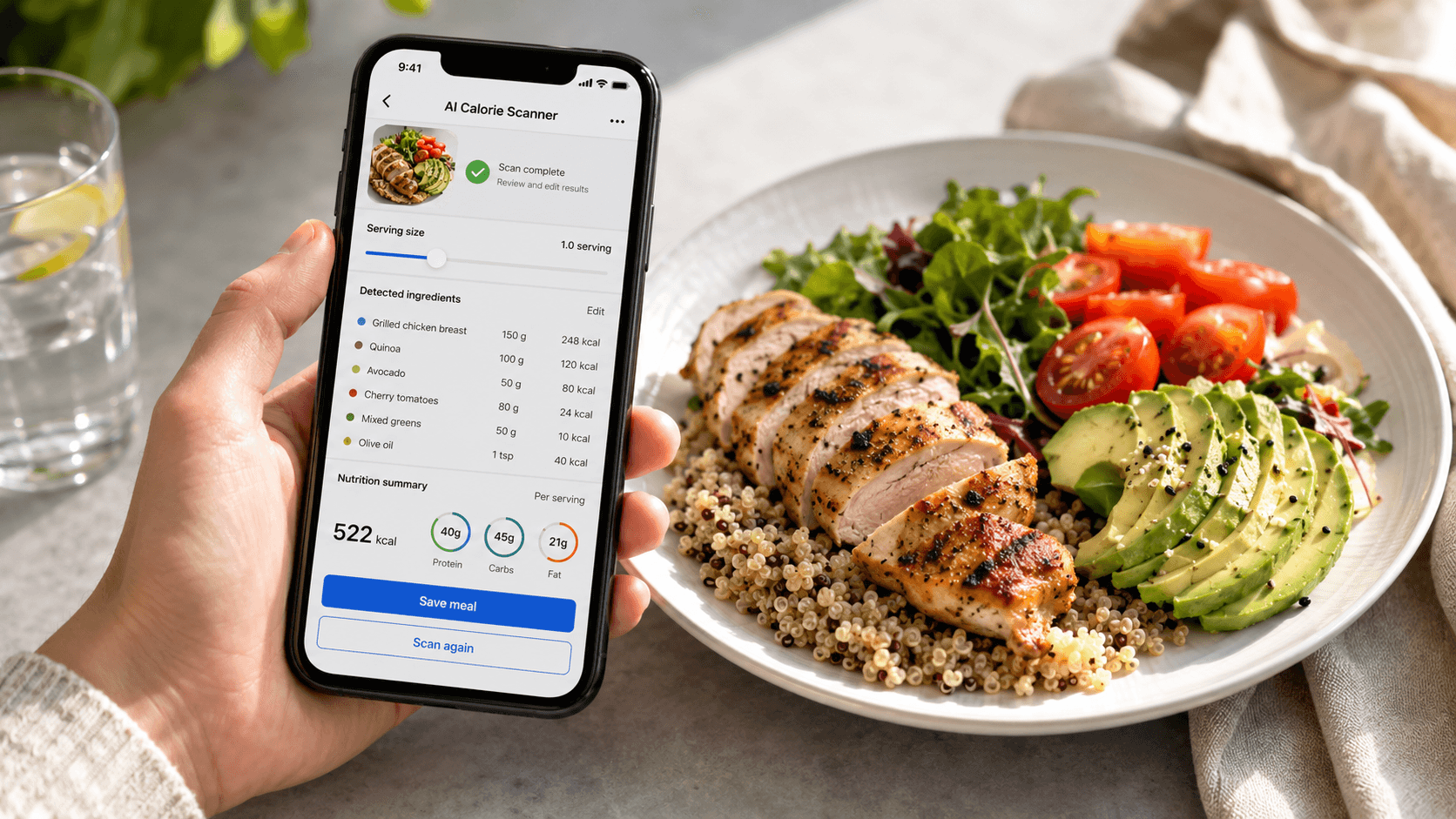
App to Scan Food and Track - Calorie Counter Accuracy
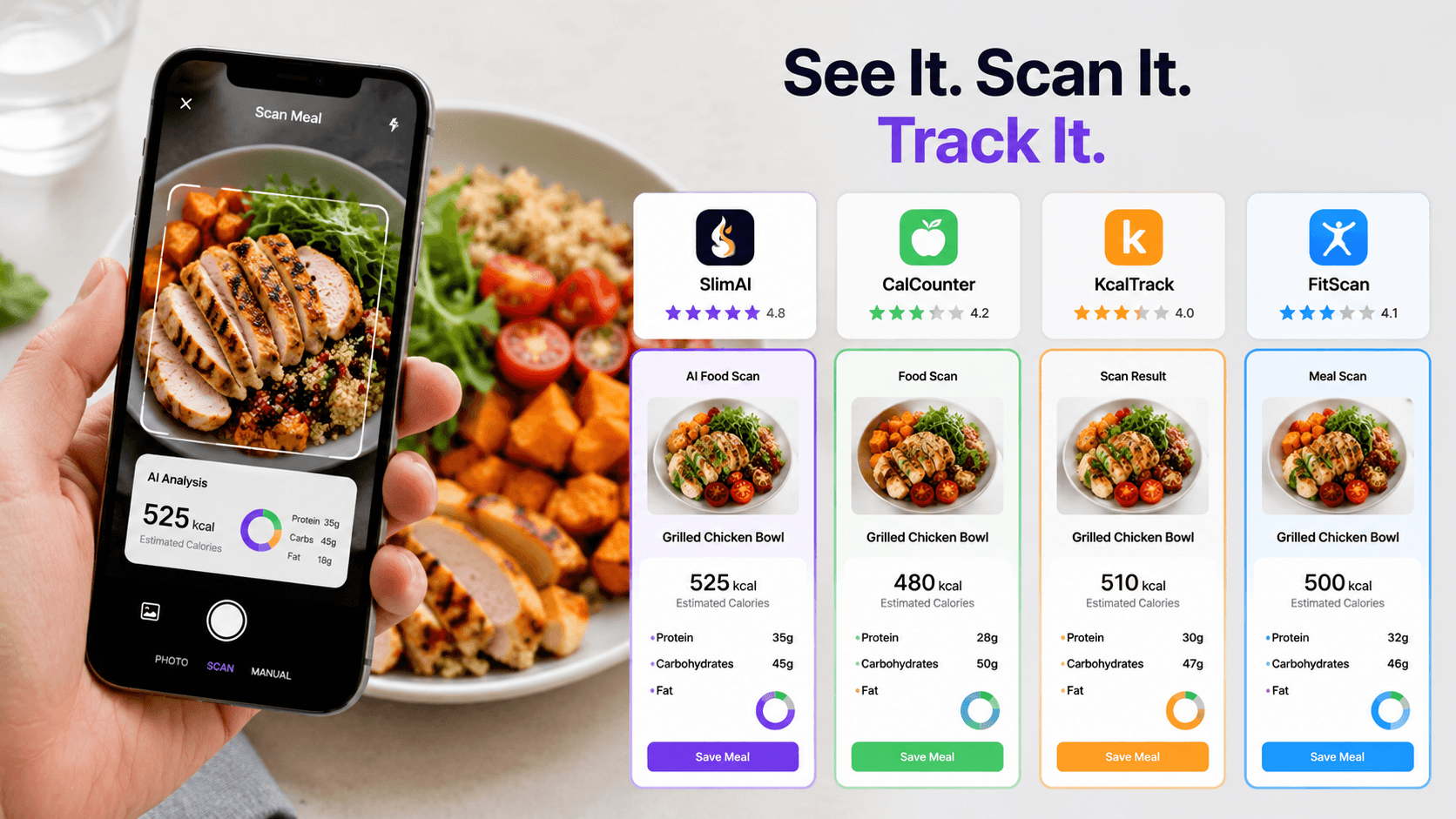
AI calorie tracking can feel unreliable when the same plate returns different numbers from different scans. This happens most often with meals such as curry, pasta, stir-fry, or salad, where oil and ingredients remain partly hidden.
That does not mean every estimate is useless. It means you need to understand what the camera can identify and what still requires your input.
This guide explains how AI calorie estimates work, where errors enter, how leading trackers differ, and how you can improve the entry before using it for daily calorie or macro tracking.
What Does AI Calorie-Tracking Accuracy Mean?
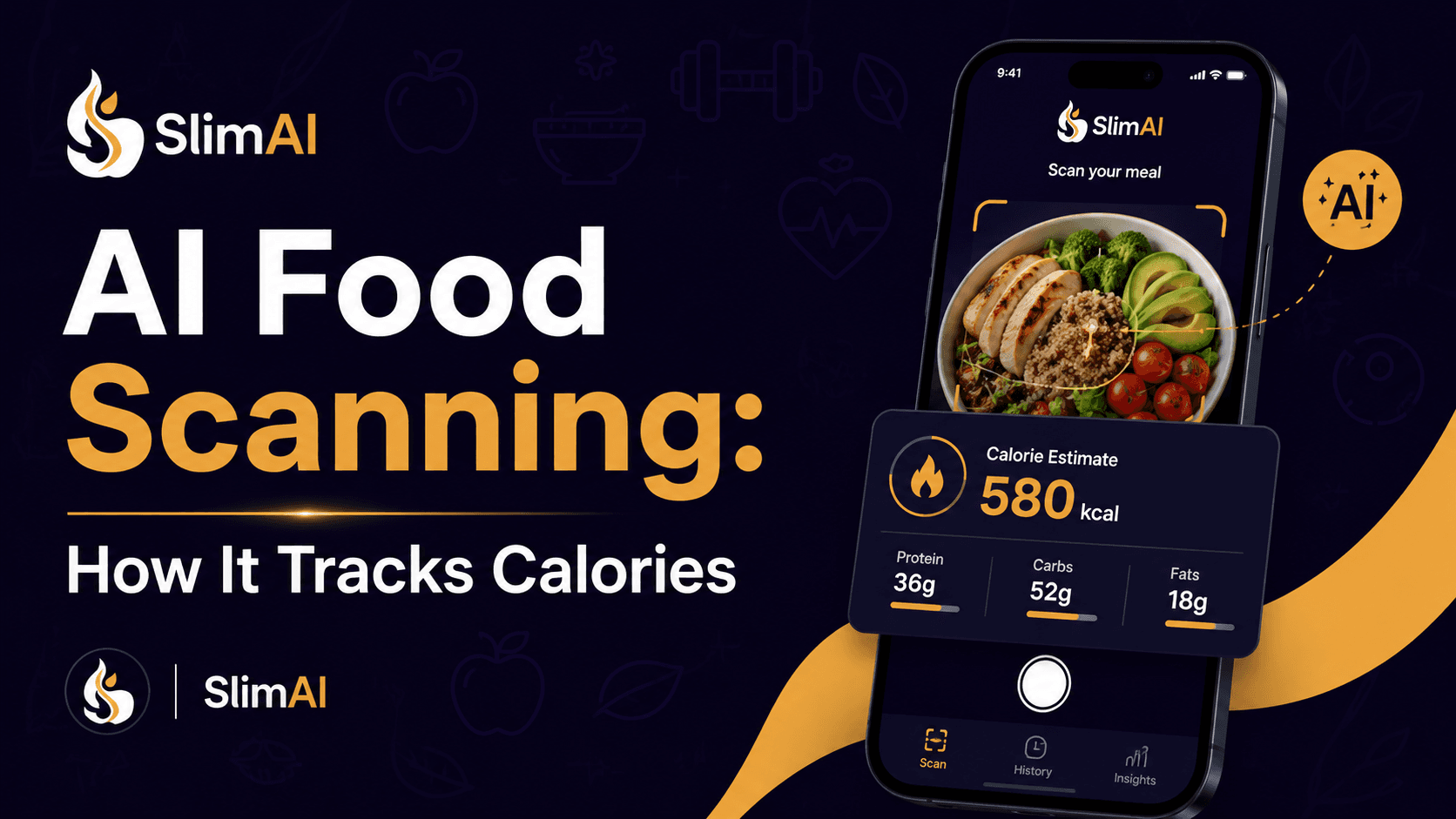
AI calorie-tracking accuracy describes how closely an estimated meal entry matches the foods, portions, and nutrient content actually consumed. An app to scan food and track - calorie counter information usually combines food recognition, portion estimation, and nutrition-database matching.
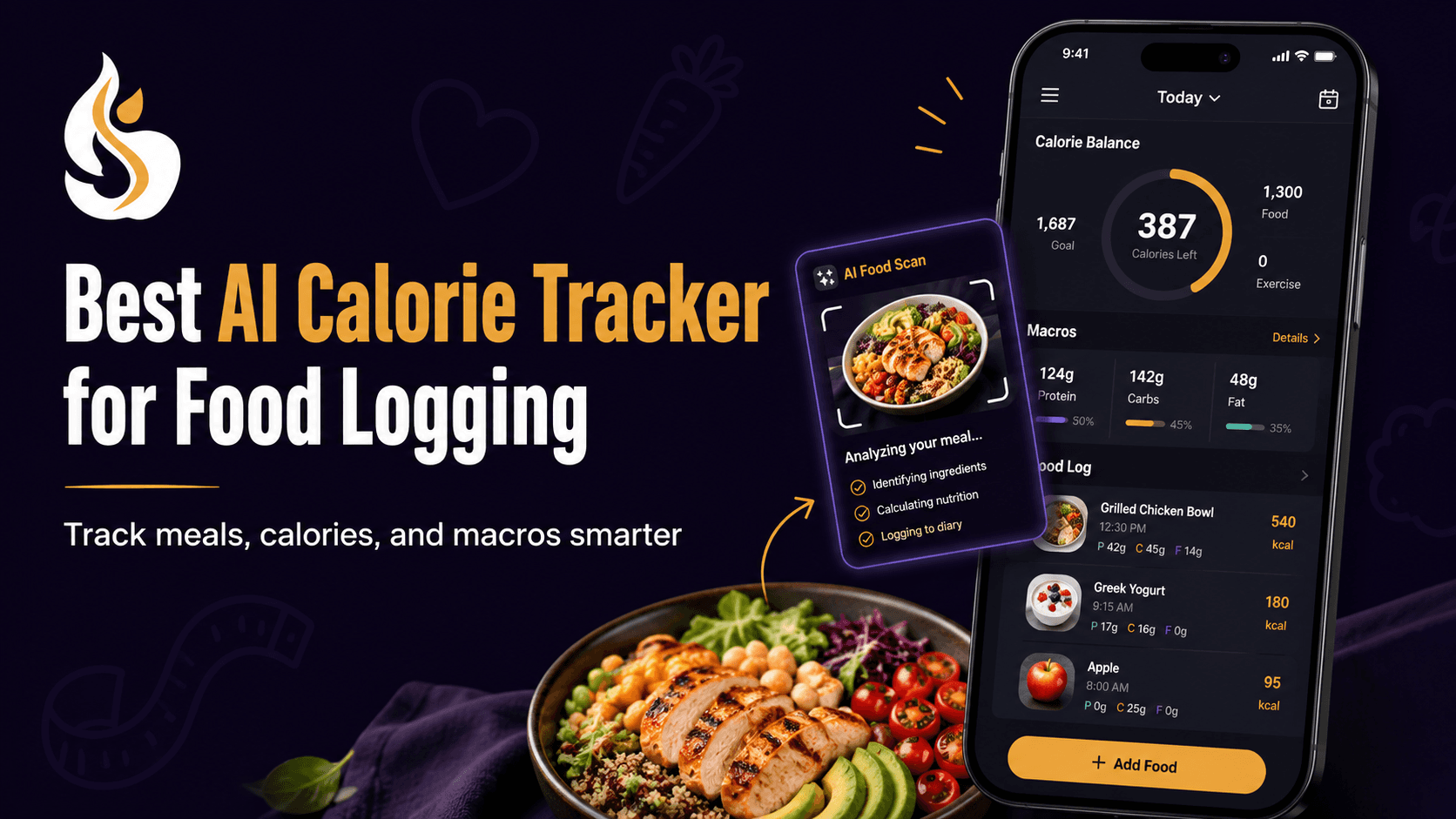
SlimAI Calorie Tracker connects Photo Calorie Tracker (Camera Scan) with Ingredient Editing and Serving Size Guidance, giving you control after the first calorie estimate appears. Its current product listing also describes photo, voice, manual, macro, goal, workout, and progress tracking.
Accuracy is therefore not one task. A tracker must identify the food, estimate its quantity, select suitable nutrition data, and account for preparation details.
Why Can Two Scans Show Different Calories?
Two scans can differ because a meal photograph does not contain every detail needed to calculate calories.
Image-based dietary assessment generally involves several stages. A system may separate food from the plate, classify each item, estimate food volume, and connect the result with a nutrition database. Errors or uncertainty at one stage can affect the completed entry.
Camera angle and lighting can also change what the system sees. Foods may overlap, while bowls and mixed dishes can hide their depth. A sauce may cover several ingredients that would otherwise be visible.
The camera also cannot confirm the recipe. It cannot see how much oil entered a curry, how much butter was mixed into mashed potatoes, or whether a dressing contained sugar.
A systematic review found that AI estimates can perform in line with human estimates under tested conditions. However, the included studies varied widely in food images, methods, databases, and results, which prevented a single universal accuracy conclusion.
What Do People Get Wrong About AI Calorie Accuracy?
One Accuracy Percentage Cannot Describe Every Meal
An accuracy figure may come from a limited test set containing specific foods, lighting conditions, or serving arrangements. It does not automatically describe performance on every regional dish, restaurant meal, family recipe, or mixed plate.
Research reviews have found substantial differences in datasets and evaluation methods. That makes direct accuracy comparisons between consumer trackers difficult without an independent head-to-head test using the same meals and reference measurements.
Correct Food Recognition Does Not Confirm the Portion
A tracker may correctly identify chicken, rice, and vegetables while estimating the quantities incorrectly. Food classification and food-volume estimation are separate technical problems.
Portion estimation remains challenging because a flat image provides limited depth information. Food shape, angle, overlapping items, and the absence of a size reference can all affect the result.
A Clear Photo Does Not Reveal Hidden Ingredients
A well-lit photograph may improve food recognition, but it cannot expose everything used during cooking.
AI calorie estimates can vary because of portion size, ingredients, sauces, cooking methods, and serving size. SlimAI reduces this friction with Ingredient Editing and Serving Size Guidance, helping users adjust entries closer to what they actually ate.
The NHS also advises people counting calories to include cooking oil, spreads, toppings, drinks, sauces, and accompaniments because these can be missed during food logging.
Manual Calorie Logging Is Not Automatically Exact
Manual tracking also depends on the food entry and serving size you choose. You can select the wrong database item, forget an ingredient, or record the label’s serving instead of your actual portion.
Nutrition labels may show information per serving or per 100 grams, while your consumed amount may differ. Weighing familiar foods for a short period can help you understand how your normal portions compare with listed serving sizes.
Weight Loss Does Not Require a Perfect Daily Number
Tracking calories for weight loss can support awareness, but one meal estimate does not determine progress. Longer patterns in food intake, activity, portions, and consistency provide more useful context.
Dietary self-monitoring is commonly included in behavioral weight-management programs. Its usefulness depends heavily on whether you can continue recording your intake without turning every estimate into a pass-or-fail result.
What Improves AI Calorie-Tracking Accuracy?
The best practical approach combines AI speed with human review.
Start by using Camera Scan for meals where the main foods remain visible. Scan packaged items with Barcode Scanner, and use Type to Add or Voice to Log when your description contains more information than the photograph.
After the first result appears, check these details:
Did the tracker identify every visible food?
Did it add an ingredient that was not present?
Are oil, sauce, dressing, toppings, and drinks included?
Does the suggested serving match what you ate?
Did you finish the full photographed portion?
Does the calorie and macro breakdown look reasonable for the ingredients?
For homemade recipes, the ingredient list provides more context than appearance alone. For restaurant meals, the result should remain an estimate unless official nutrition information is available.
A food scale can help you learn your usual rice, cereal, pasta, meat, or snack portions. You do not need to weigh every meal forever. The NHS suggests that temporary weighing can help you compare your serving with the portion stated on packaging.
You should also review your week rather than repeatedly rescanning one plate. A useful tracker helps you notice patterns while allowing reasonable correction.
Which AI Calorie Tracker Gives You More Control?
A more responsible comparison looks at how each tracker helps you review or correct its estimate.
Tracker | Photo-based logging | Controls and supporting features | Strongest fit |
SlimAI | Camera Scan and Gallery Upload | Ingredient Editing, Serving Size Guidance, Macro Tracker, Custom Calorie Goals, several logging methods, workouts, and progress tracking | Users who want photo speed with ingredient and portion control |
MyFitnessPal | Meal Scan | Established food diary, macro views, goals, recipes, activity tracking, and manual correction; Meal Scan currently requires Premium | Users who prioritize a broad diary system and food database |
Cal AI | Meal photo scanning | Calorie and macro breakdowns with personalized targets and other entry methods | Users who prefer a camera-first workflow |
Yazio | AI food recognition from a meal photo | Manual logging, serving adjustments, calorie and macro tracking, fasting, recipes, and activity features; AI tracking currently requires Pro | Users who want calorie tracking alongside fasting and meal content |
Cronometer | AI Photo-Logging | Serving-size editing, food matching, detailed macro and micronutrient data, recipes, activity, and health-data syncing | Users who prioritize detailed nutrient information |
MyFitnessPal identifies Meal Scan as a Premium function and also provides macro and goal features through paid plans.
Yazio states that its photo-based AI food-recognition feature is currently part of Yazio Pro.
Cronometer allows users to change the amount and serving size of foods matched through its photo-logging workflow.
Cal AI’s official product description focuses on photographing a meal and receiving a nutritional breakdown.
Feature access can change by operating system, subscription, language, and region. Check the current product page before choosing mainly for one feature.
How Does SlimAI Calorie Tracker Support More Useful Estimates?
A food scan becomes more useful when you can correct the parts the camera could not confirm.
SlimAI begins with Photo Calorie Tracker (Camera Scan). Ingredient Editing lets you change foods when the result misses an item or identifies the wrong one. Serving Size Guidance helps you adjust the portion closer to what you consumed.
This review process reflects the practical meaning of Eat smarter, not stricter. You save time on the first entry without giving the estimate complete control over your food record.
Flexible Food Logging also lets you change methods when a photo lacks enough information. Available methods include Type to Add, Voice to Log, Camera Scan, Gallery Upload, Food Database Search, Recent Foods, Saved Foods, Diet Plan Logging, Meal Suggestions, and Back-Date Logging.
For frequent scanning, SlimAI Premium includes Unlimited scans, Speak and Get Your Recipe, Type to Log, and Priority access to new SlimAI features.
After saving the meal, Macro Tracker shows protein, carbohydrates, fats, and calories. Custom Calorie Goals and Progress, Streaks & Back-Date Logging help you review the meal within a longer pattern.
Workout Tracking and Fitness, Water, Fasting & Health Integrations can add activity context. Exercise-calorie figures should still be treated as estimates rather than exact permission to eat back a matching amount.
How Should You Review an AI Calorie Estimate?
1. Scan the Full Meal Before Eating
Place the full plate, drink, sides, and visible sauces in the frame. Use clear lighting and avoid cutting part of the meal out of the photograph.
A complete image gives the scanner more visual information, but it will not reveal hidden recipe ingredients.
2. Read the Food List Before the Calorie Total
Check every identified food. Remove incorrect items and add anything missing.
Do not let a precise-looking calorie number distract you from an incorrect ingredient list.
3. Add Cooking Details the Camera Cannot Know
Include cooking oil, butter, cream, dressing, sugar, cheese, and toppings when relevant.
For homemade food, use your recipe knowledge. For restaurant food, make a reasonable estimate and avoid presenting it as exact.
4. Change the Portion to Match What You Ate
Adjust the amount when you shared the meal, left food behind, or had another serving.
Use grams, cups, tablespoons, pieces, or serving fractions where available. Portion correction often changes the final estimate more than rescanning the same meal.
5. Review the Pattern Across Several Days
Look at calories, macros, meals, and activity together. One imperfect scan should not decide how you judge the day.
Counting calories for weight loss may help you understand your intake, but the routine should remain flexible enough to maintain. Calorie counting is also not the only possible weight-management approach.